Set Up Bing Webmaster Tools and Verify Your Website
Add your site to Bing Webmaster Tools, verify ownership, submit a sitemap and set a weekly check, even if Google Search Console already works.

Practical, step-by-step website launch and SEO health guides.
Showing 265 to 288 of 297 guides (page 12 of 13)
Add your site to Bing Webmaster Tools, verify ownership, submit a sitemap and set a weekly check, even if Google Search Console already works.
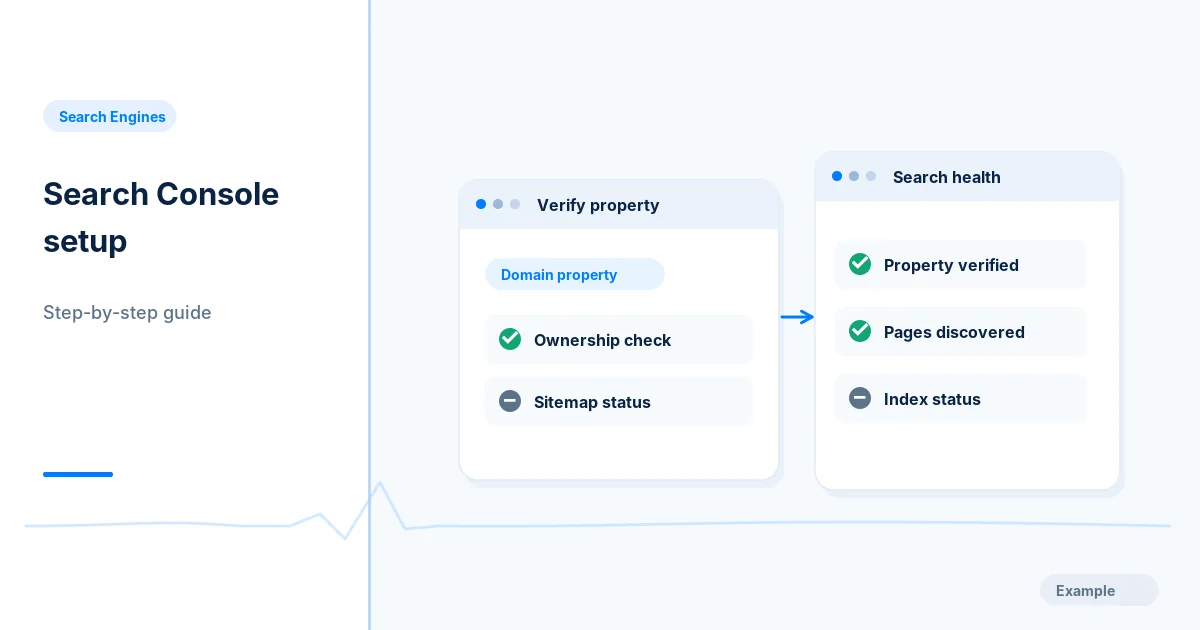
Add and verify your site in Google Search Console, inspect the home page, submit a sitemap and set up a simple routine for checking indexing reports.
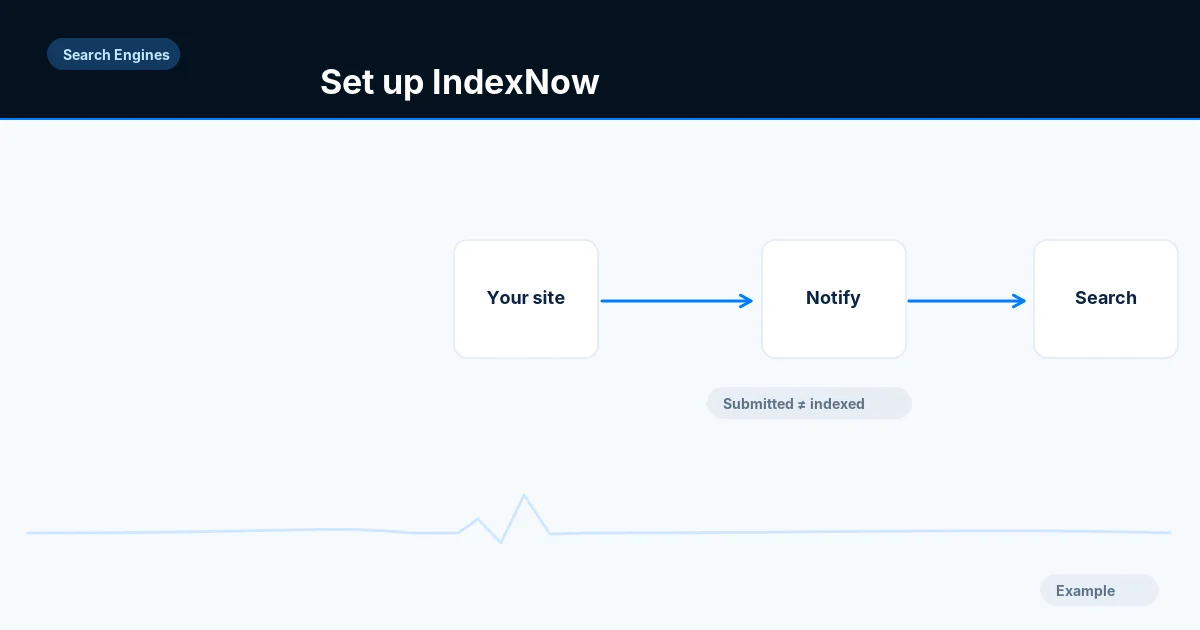
Set up IndexNow with a key file so Bing and other participating engines learn of changed URLs, and log responses without assuming indexing.
Use the Search Console URL Inspection live test and rendered HTML to check a page as Google fetches it, and learn which indexing problems it cannot detect.
Website not showing up on Google? Work through a decision tree to tell not indexed, blocked, brand new, penalised or just not ranking, with a fix for each.
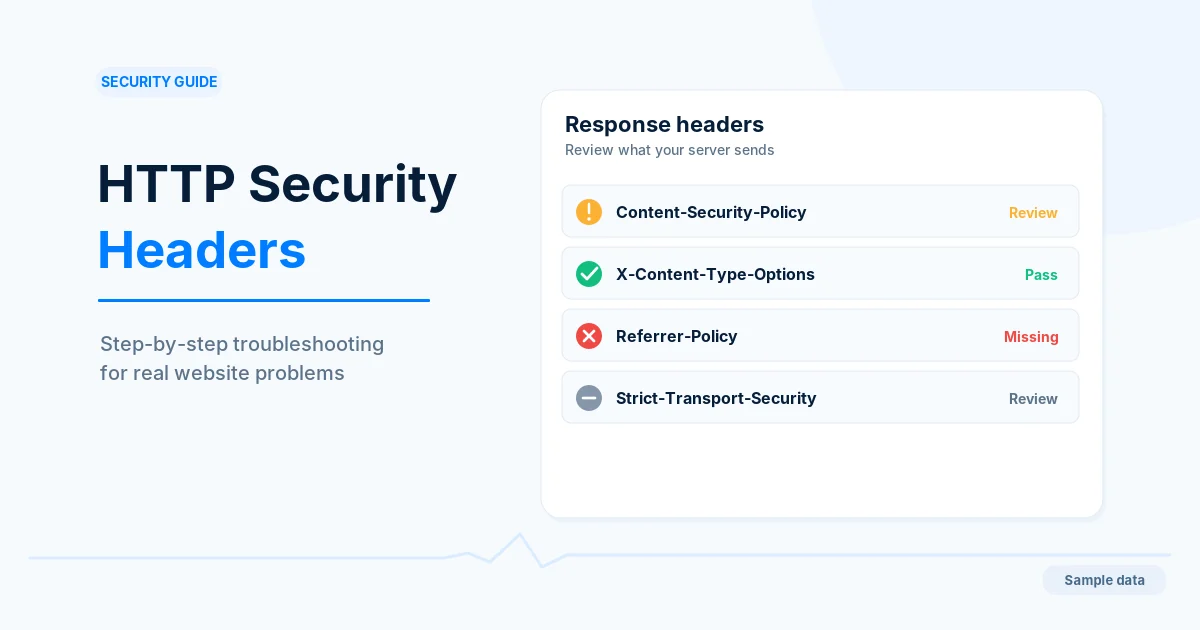
Add the common browser security headers safely: Content-Security-Policy in report-only first, nosniff, framing, Referrer-Policy and Permissions-Policy.
Review the Cloudflare settings that affect crawling: SSL mode, bot protection, Under Attack mode, Rocket Loader and managed robots.txt.
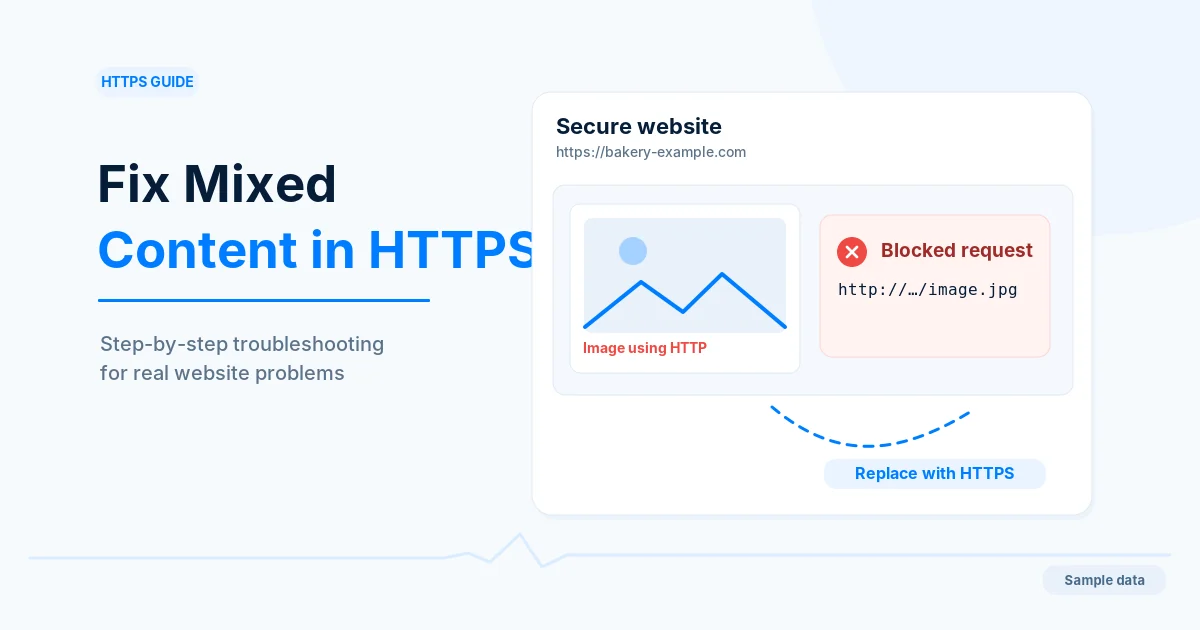
Find images, scripts and styles loaded over http:// on HTTPS pages, fix them at the source and confirm the browser warnings are gone.
Spot injected spam pages and links on a hacked site, contain the breach, clean and harden it, then ask Google to review the fix in Search Console.
Add the Strict-Transport-Security header in stages, from a five-minute max-age to one year, and decide whether the HSTS preload list is right for you.
Install a certificate, fix mixed content, add canonicals and 301 redirects, update Search Console and sitemaps, then add HSTS once everything works.
Read the Search Console security issues report, safely confirm hacked content or malware, clean the site, close the cause and request a security review.
Find out why a browser or crawler rejects your HTTPS certificate, test expiry, hostname and chain with OpenSSL, and fix it without breaking redirects.
Build a content security policy in report-only mode, fix what it flags, then enforce it with nonces or hashes so scripts and styles keep working.
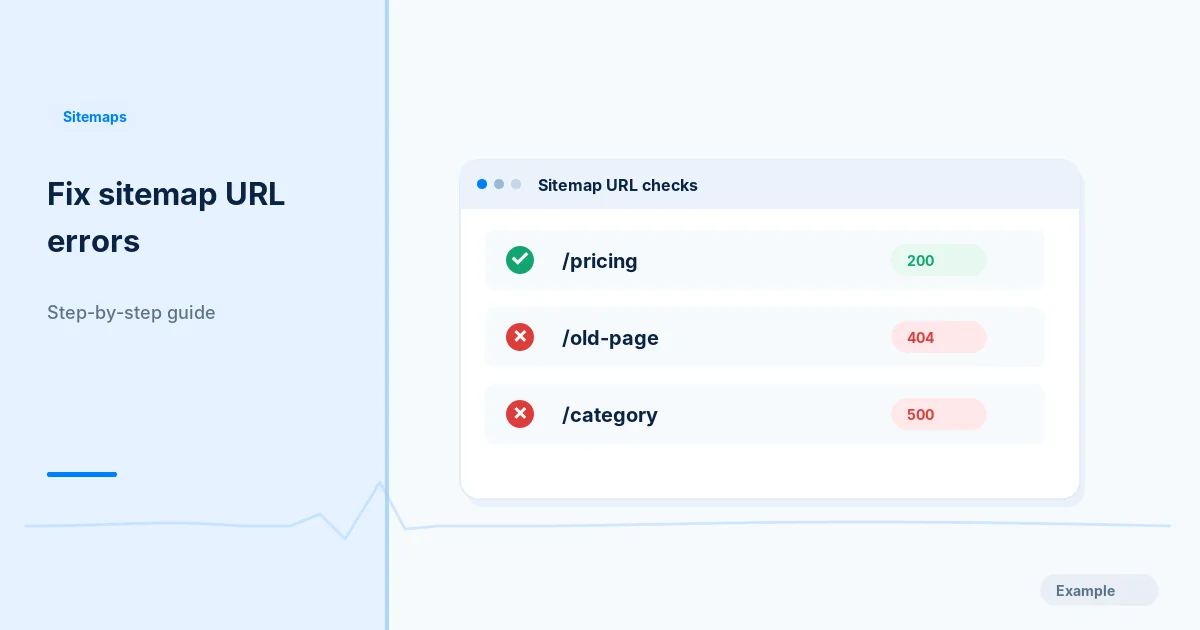
Find the URLs in your sitemap that return 404 or 500, trace the shared cause, then restore, redirect or remove them and fix how the sitemap is generated.
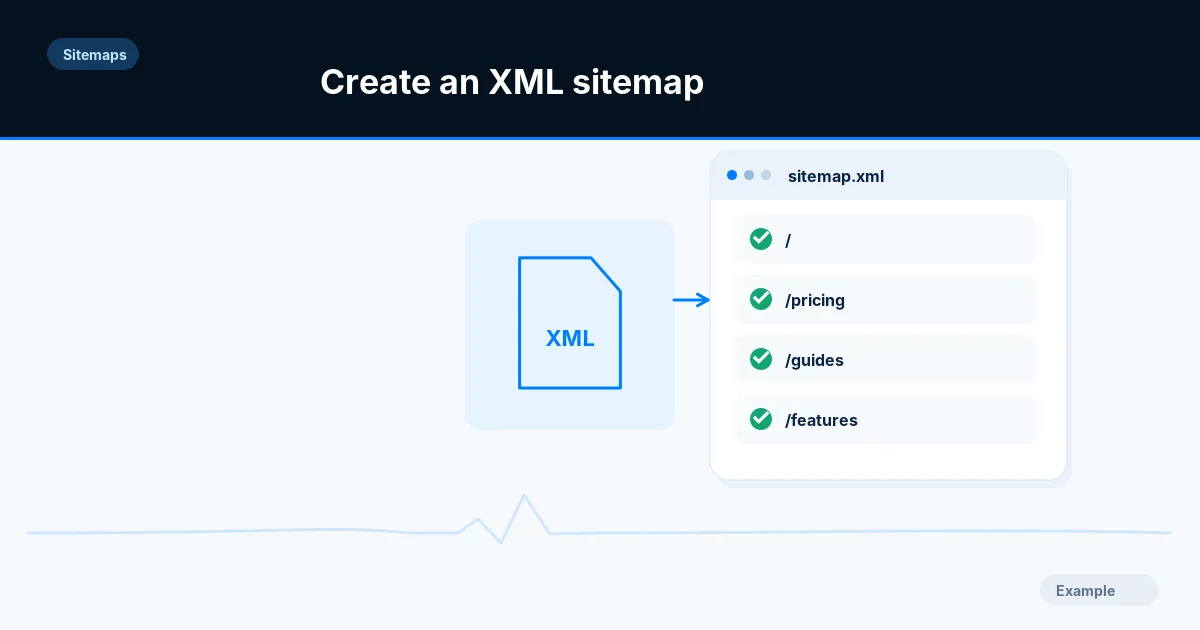
Learn how to create an XML sitemap: choose the right URLs, write valid markup, respect the 50,000 URL and 50 MB limits, then publish and submit it.
Learn how an HTML sitemap for visitors differs from an XML sitemap for crawlers, decide which your site needs, and build and check each one.
Decide whether your site needs image, video or news sitemap extensions, then build them with the right namespaces, required tags and size limits.
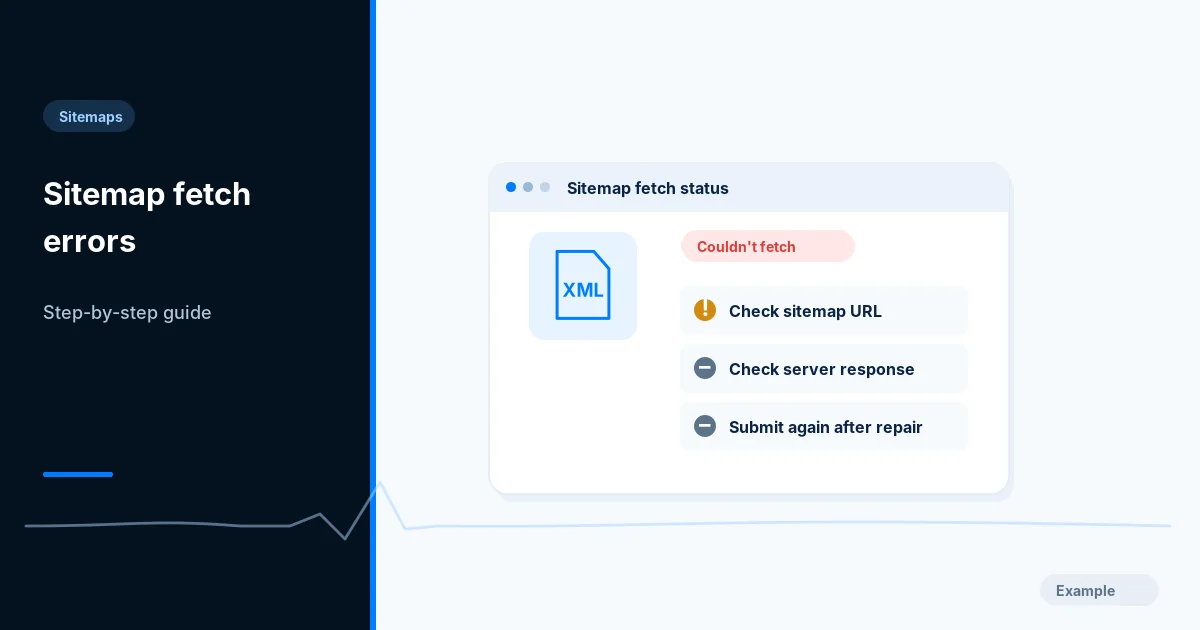
Fix the Search Console sitemap errors \"Couldn't fetch\" and \"Sitemap could not be read\" by checking status codes, redirects, XML, host and firewall rules.
Find out which sitemap tags Google and Bing actually use, set accurate lastmod dates from real edits and drop the changefreq and priority values.
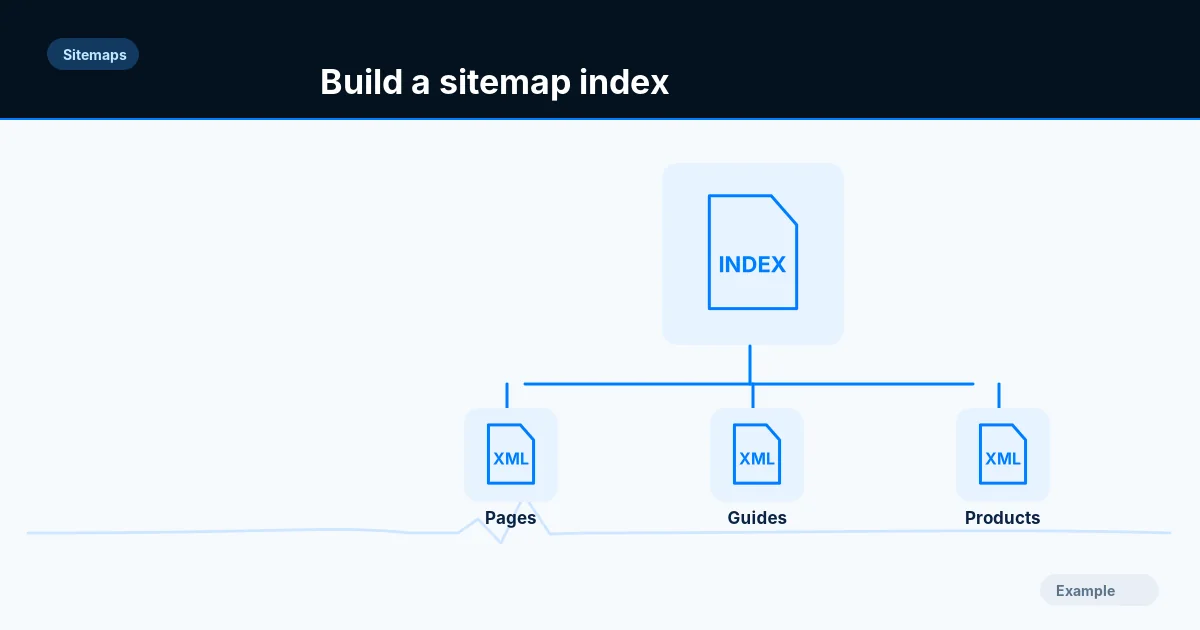
Split a sitemap that passes 50,000 URLs or 50 MB into stable child files with a sitemap index, then validate each file and submit the index.
Add schema markup to WordPress with a plugin, a block or a few lines of PHP, find out what your site already outputs, avoid duplicate JSON-LD and test it.
Add Article, NewsArticle or BlogPosting JSON-LD with the right headline, author, dates and images, keep it matched to the page, and test it before launch.
Add BreadcrumbList JSON-LD that matches your visible breadcrumb trail, with correct position, name and item values, and test it before and after launch.