
 Crawvix Editorial Team
· Published October 28, 2026 · Last updated October 27, 2026 · 3 min read
Crawvix Editorial Team
· Published October 28, 2026 · Last updated October 27, 2026 · 3 min read
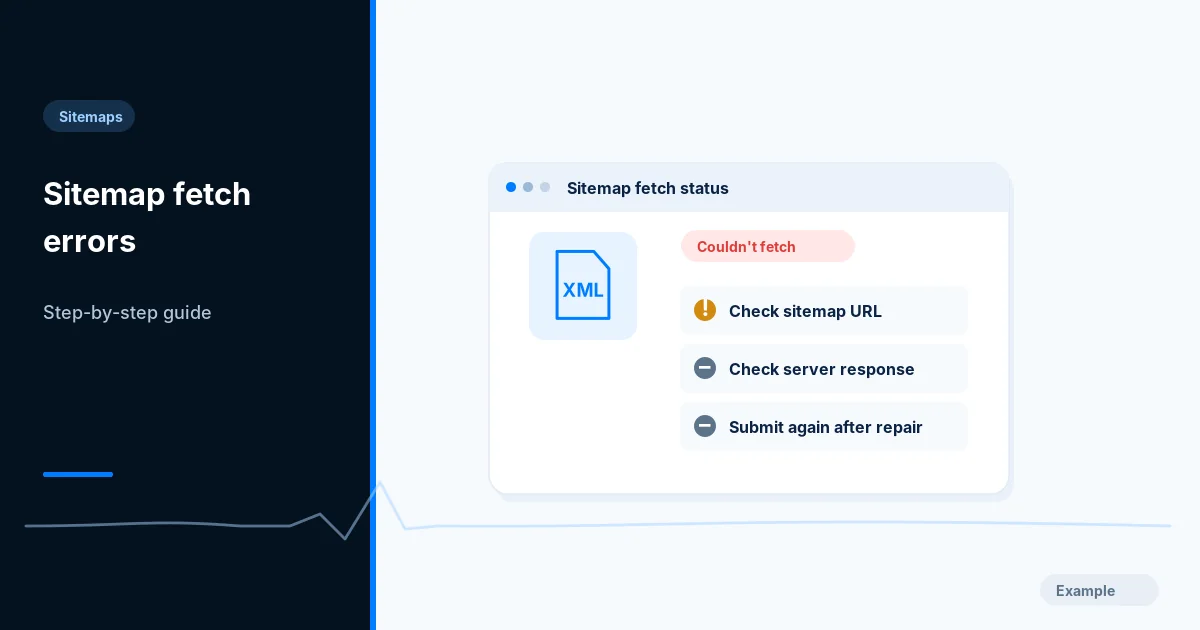
A sitemap error can be a real server failure, an XML problem or a temporary retrieval issue. Diagnose the exact URL before rebuilding everything.
Before you begin
You will need access to the website or account involved, a list of important public URLs, and permission to make the relevant changes. Save a backup of configuration before editing DNS, server rules, source code or search settings. A successful check means the specified condition was verified—not that Google or Bing will index or rank the page.
Step-by-step instructions
Step 1: Record the reported error
In Search Console open Sitemaps and note the sitemap URL, processing status and last read date. Distinguish a stale warning from a repeatable live failure.
What success looks like: You have the exact failing URL and time.
Step 2: Fetch the URL independently
Open the sitemap in a browser and inspect HTTP status, redirect chain, content type and returned body. If it shows a login form, CDN challenge or HTML error, correct that response first.
What success looks like: The endpoint returns HTTP 200 and the XML you expected.
Step 3: Validate the XML
Parse the file as XML and confirm sitemap or sitemapindex namespace, absolute loc values and correct character escaping. For an index, check every child endpoint.
What success looks like: A strict XML parser reports no syntax errors.
Step 4: Investigate access restrictions
Check robots policies, firewall rules, authentication, rate limits, recent outages and CDN logs. Confirm the service can access the file without privileged cookies.
What success looks like: Untrusted public clients can fetch the sitemap without a challenge.
Step 5: Resubmit only after a real fix
After correcting the root cause, resubmit if appropriate and wait for processing. Keep a dated before-and-after record; do not interpret immediate pending status as a fresh failure.
What success looks like: The report eventually reflects successful processing or a specific remaining issue.
Final verification checklist
You have the exact failing URL and time.
The endpoint returns HTTP 200 and the XML you expected.
A strict XML parser reports no syntax errors.
Untrusted public clients can fetch the sitemap without a challenge.
The report eventually reflects successful processing or a specific remaining issue.
Common mistakes to avoid
Server responds 200 but delivers a human-readable error page.
Sitemap index points to a deleted location.
Repeatedly resubmitting without correcting an HTTP or XML problem.
Frequently asked questions
Why can I open the sitemap but Google cannot?
Different user agents, CDN policies, timing, geography and redirects may explain the discrepancy.
Does Couldn’t fetch mean all pages are not indexed?
No. Pages can still be discovered by links or other signals.
Related guides
Official references
Next step: See how Crawvix checks a website and capture a baseline once scanning opens. This guide provides technical information, not a guarantee of rankings, 100-point Lighthouse scores or index inclusion.