
 Crawvix Editorial Team
· Published October 28, 2026 · Last updated October 27, 2026 · 3 min read
Crawvix Editorial Team
· Published October 28, 2026 · Last updated October 27, 2026 · 3 min read
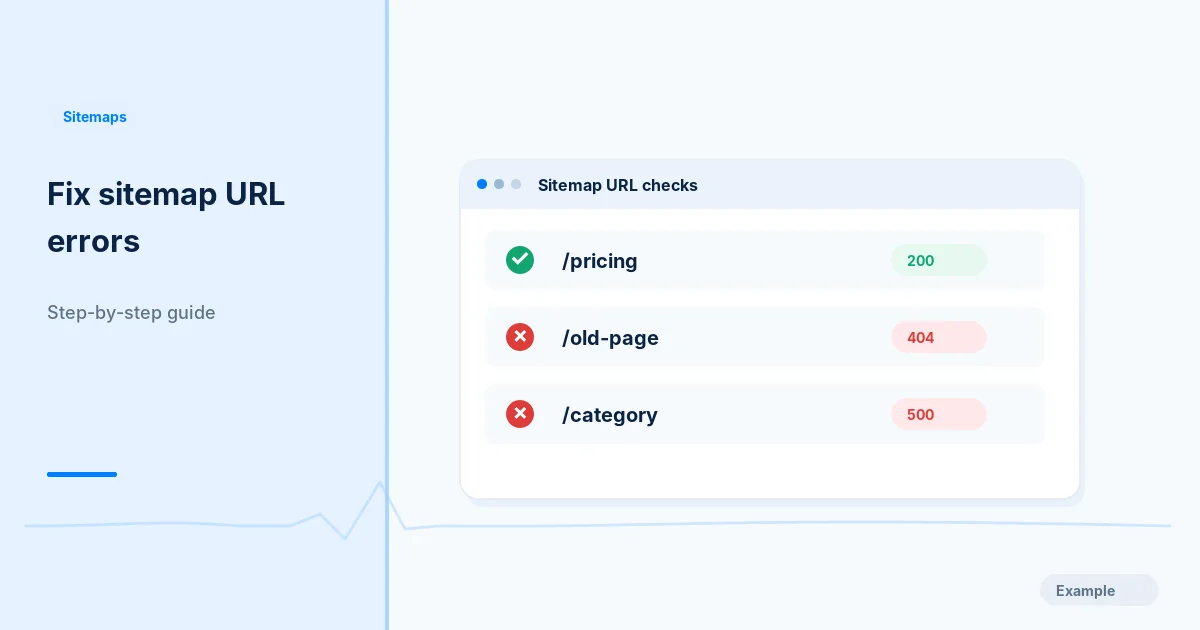
Broken sitemap entries waste diagnostic time and can indicate routing or deployment regressions. The objective is to identify the faulty source of URLs, not blindly redirect every broken address.
Before you begin
You will need access to the website or account involved, a list of important public URLs, and permission to make the relevant changes. Save a backup of configuration before editing DNS, server rules, source code or search settings. A successful check means the specified condition was verified—not that Google or Bing will index or rank the page.
Step-by-step instructions
Step 1: Collect failing URL examples
Export failing URLs and their sitemap source from your audit or search console report. Include response code, redirect chain and request time.
What success looks like: You have a reproducible list grouped by page template.
Step 2: Identify a shared route cause
Compare URLs with the same prefix or slug pattern. If entire categories fail, inspect route mappings, database records, feature flags and exception logs instead of patching individual entries.
What success looks like: The failure is explained at the route or data level when possible.
Step 3: Choose the right resolution
Restore pages that should exist; use permanent redirects only when a genuine replacement exists; return a real 404 or 410 for permanently removed content. Fix server exceptions causing 5xx responses.
What success looks like: Each failing URL has an intentional result rather than an arbitrary redirect.
Step 4: Update generation rules
Exclude intentionally removed URLs from sitemap generation, remove obsolete mappings and run a validation step against the published routes before release.
What success looks like: A new sitemap build does not regenerate invalid entries.
Step 5: Recheck in production
Retest affected pages, confirm no important internal links point to failures, and wait for crawlers to update their own reports.
What success looks like: Live HTTP responses and sitemap membership match the chosen resolution.
Final verification checklist
You have a reproducible list grouped by page template.
The failure is explained at the route or data level when possible.
Each failing URL has an intentional result rather than an arbitrary redirect.
A new sitemap build does not regenerate invalid entries.
Live HTTP responses and sitemap membership match the chosen resolution.
Common mistakes to avoid
Redirecting all missing pages to the home page.
Assuming a temporary 500 is a content-quality issue.
Fixing XML output while leaving the underlying application exception.
Frequently asked questions
Should all 404 pages be redirected?
No. Redirect only to a genuinely relevant replacement page.
Why is a page in a sitemap still failing?
Sitemaps express a preference; they do not guarantee the route remains healthy after release.
Related guides
Official references
https://developers.google.com/search/docs/crawling-indexing/troubleshoot-crawling-errors
https://developers.google.com/search/docs/crawling-indexing/sitemaps/build-sitemap
Next step: See how Crawvix checks a website and capture a baseline once scanning opens. This guide provides technical information, not a guarantee of rankings, 100-point Lighthouse scores or index inclusion.