
 Crawvix Editorial Team
· Published October 28, 2026 · Last updated October 27, 2026 · 3 min read
Crawvix Editorial Team
· Published October 28, 2026 · Last updated October 27, 2026 · 3 min read
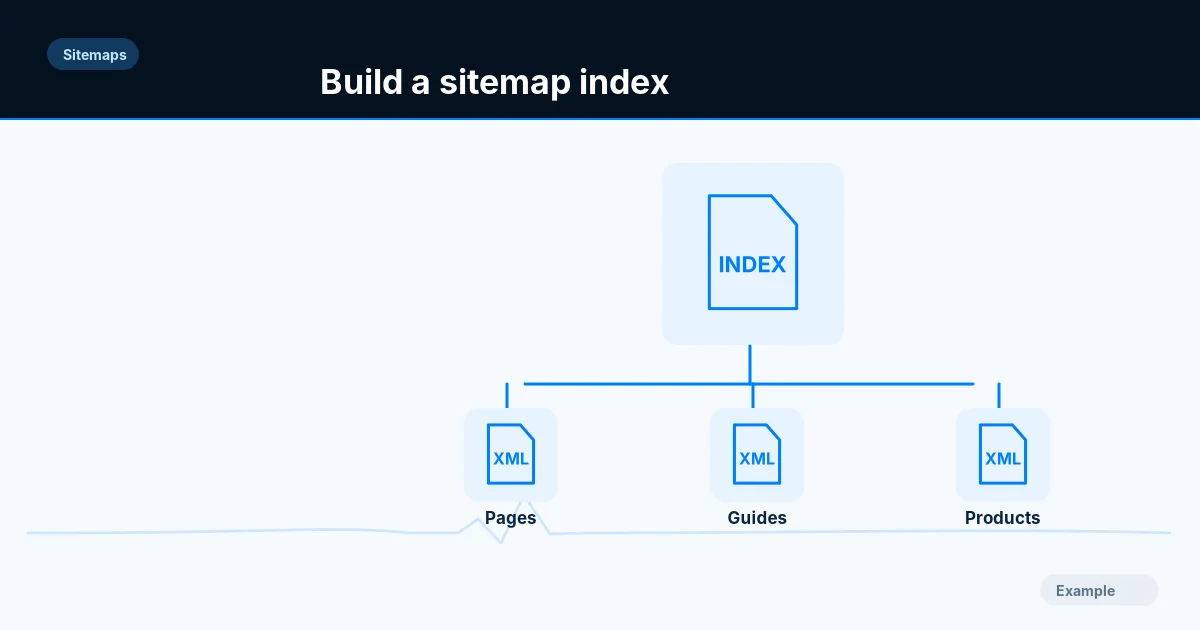
Large catalogs often need several sitemap files. Split them in a stable way so search engines can fetch them efficiently and owners can tell which page collections are failing.
Before you begin
You will need access to the website or account involved, a list of important public URLs, and permission to make the relevant changes. Save a backup of configuration before editing DNS, server rules, source code or search settings. A successful check means the specified condition was verified—not that Google or Bing will index or rank the page.
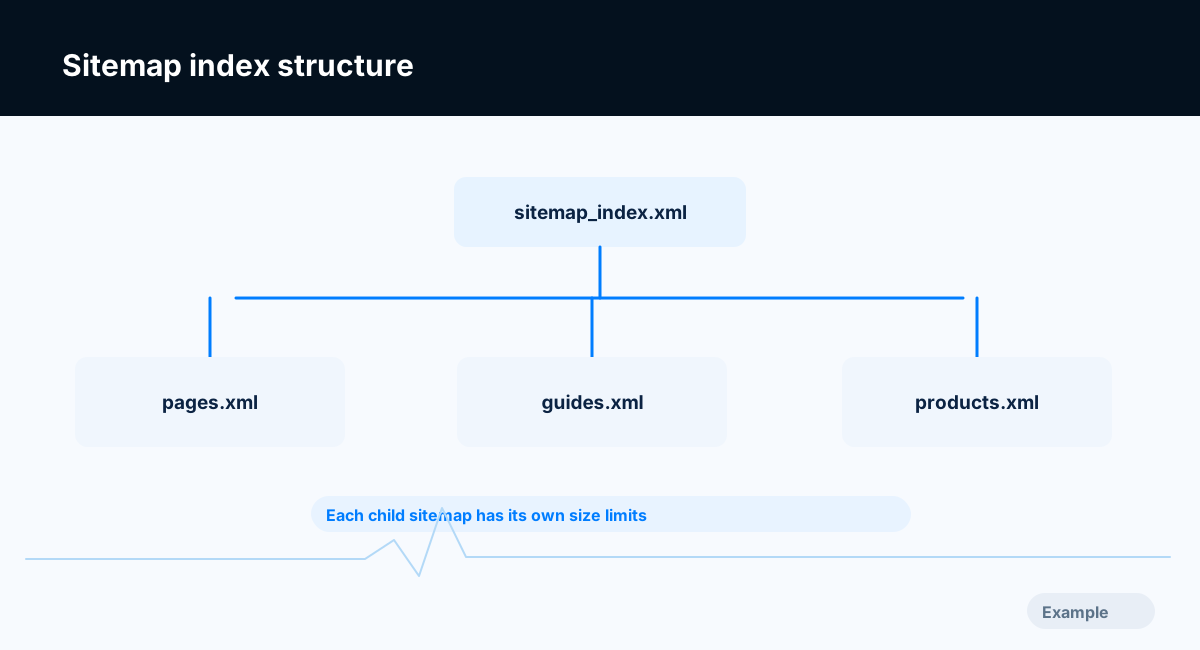
Example diagram, not a result from any real site.
Step-by-step instructions
Step 1: Measure both limits
Calculate URL count and the uncompressed UTF-8 byte size for the proposed sitemap. The limit is 50,000 URLs and 50 MB per file; reaching either limit requires splitting.
What success looks like: Counts and file sizes are recorded before publication.
Step 2: Choose stable partitions
Split by content type, such as pages, products, categories and articles. For larger groups use deterministic page ranges or batches. Avoid reshuffling every file on every deployment.
What success looks like: Repeated builds produce mostly stable child sitemap URLs.
Step 3: Build the index file
Generate a sitemapindex document whose loc elements point to child sitemap URLs. Use properly formatted lastmod for child files only when you can accurately determine it.
What success looks like: Every child URL in the index exists.
Step 4: Check child files
Fetch every referenced child sitemap, validate XML and make sure child URLs return indexable canonical pages. Confirm both compressed and uncompressed size constraints where relevant.
What success looks like: No missing child sitemap, duplicate URL or invalid XML remains.
Step 5: Submit and monitor by section
Submit the index in Search Console and Bing, inspect processing results, and isolate errors to a single child file or category.
What success looks like: You can identify which content group has a problem without reprocessing everything manually.
Final verification checklist
Counts and file sizes are recorded before publication.
Repeated builds produce mostly stable child sitemap URLs.
Every child URL in the index exists.
No missing child sitemap, duplicate URL or invalid XML remains.
You can identify which content group has a problem without reprocessing everything manually.
Common mistakes to avoid
Treating 50 MB as a compressed size limit.
Creating an index that points to missing child files.
Splitting URLs randomly so every file changes constantly.
Frequently asked questions
Can I include more than 50,000 URLs overall?
Yes. Use multiple valid child sitemaps and a sitemap index.
Should I include sound or image binaries as ordinary URLs?
A standard page sitemap should primarily list preferred indexable pages; use supported media sitemap conventions when relevant.
Related guides
Official references
https://developers.google.com/search/docs/crawling-indexing/sitemaps/large-sitemaps
https://developers.google.com/search/docs/crawling-indexing/sitemaps/build-sitemap
Next step: See how Crawvix checks a website and capture a baseline once scanning opens. This guide provides technical information, not a guarantee of rankings, 100-point Lighthouse scores or index inclusion.