
 Crawvix Editorial Team
· Published October 28, 2026 · Last updated October 27, 2026 · 3 min read
Crawvix Editorial Team
· Published October 28, 2026 · Last updated October 27, 2026 · 3 min read
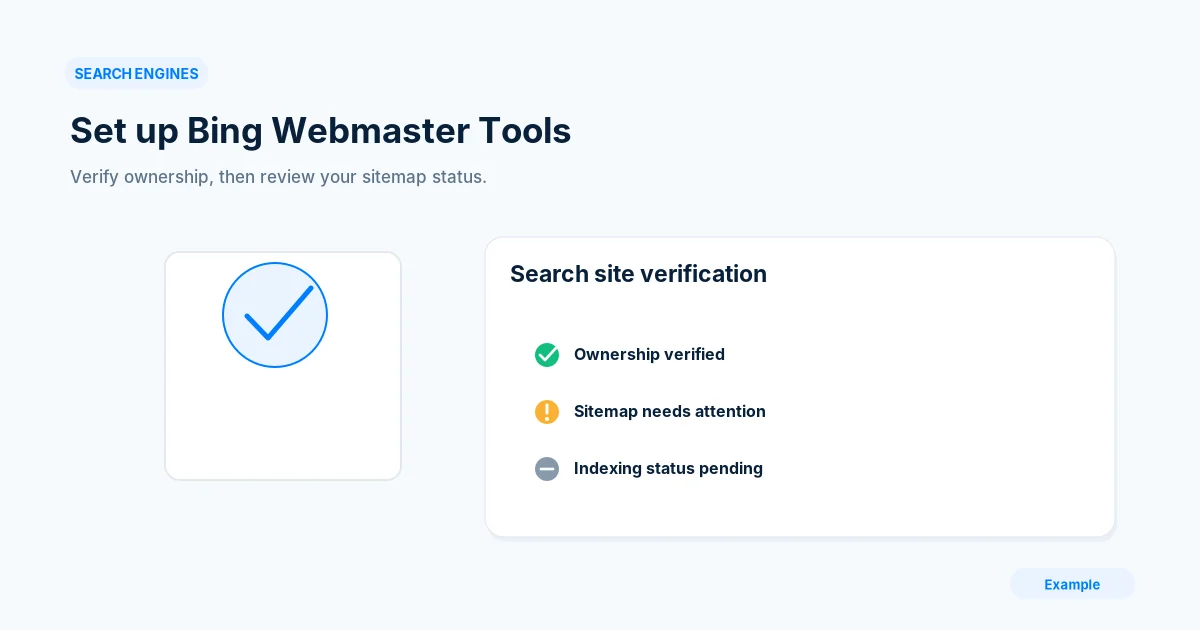
Bing has its own crawl data and indexing signals. Set up Bing Webmaster Tools even if Google Search Console is already working, because success in one system does not prove success in the other.
Before you begin
You will need access to the website or account involved, a list of important public URLs, and permission to make the relevant changes. Save a backup of configuration before editing DNS, server rules, source code or search settings. A successful check means the specified condition was verified—not that Google or Bing will index or rank the page.
Step-by-step instructions
Step 1: Add the correct site
Visit Bing Webmaster Tools, sign in and add your preferred website. If a supported Google Search Console import option is available, review what it will import before continuing.
What success looks like: The site appears under the correct scheme and hostname.
Step 2: Complete verification
Follow one supported site-verification flow, such as DNS or a verification file, and keep the verification record in place. Avoid changing live DNS unrelated to the verification step.
What success looks like: Bing shows the property as verified.
Step 3: Review crawl configuration
Open the Bing site dashboard and review crawl information, URL Inspection or Site Scan tools if available. Compare important URLs with what your own browser and server show.
What success looks like: You can identify whether a specific failure is coming from Bing data, an external scan, or your server.
Step 4: Submit a sitemap
Visit Sitemaps and submit a reachable XML sitemap or sitemap index. Check last-read information and any processing messages; examine any reported malformed or unreachable files.
What success looks like: A sitemap submission is recorded, while discovered and indexed URLs remain separate metrics.
Step 5: Set up ongoing checks
Review indexing, Site Scan and new crawl issues weekly during launch, then after major changes. Maintain crawl evidence and avoid escalating every temporary change as a permanent issue.
What success looks like: You can see a last-checked date and prioritize genuine regressions.
Final verification checklist
The site appears under the correct scheme and hostname.
Bing shows the property as verified.
You can identify whether a specific failure is coming from Bing data, an external scan, or your server.
A sitemap submission is recorded, while discovered and indexed URLs remain separate metrics.
You can see a last-checked date and prioritize genuine regressions.
Common mistakes to avoid
Confusing property verification with search indexing.
Importing the wrong hostname variant.
Ignoring CDN rules that challenge Bingbot.
Frequently asked questions
Can I just rely on Google Search Console?
No. Bing uses separate crawlers and reports, so check Bing-specific access and processing.
Will a successful sitemap status index every URL?
No. Sitemaps help discovery; indexing is determined separately by the search engine.
Related guides
Official references
Next step: See how Crawvix checks a website and capture a baseline once scanning opens. This guide provides technical information, not a guarantee of rankings, 100-point Lighthouse scores or index inclusion.