
 Crawvix Editorial Team
· Published October 28, 2026 · Last updated October 27, 2026 · 3 min read
Crawvix Editorial Team
· Published October 28, 2026 · Last updated October 27, 2026 · 3 min read
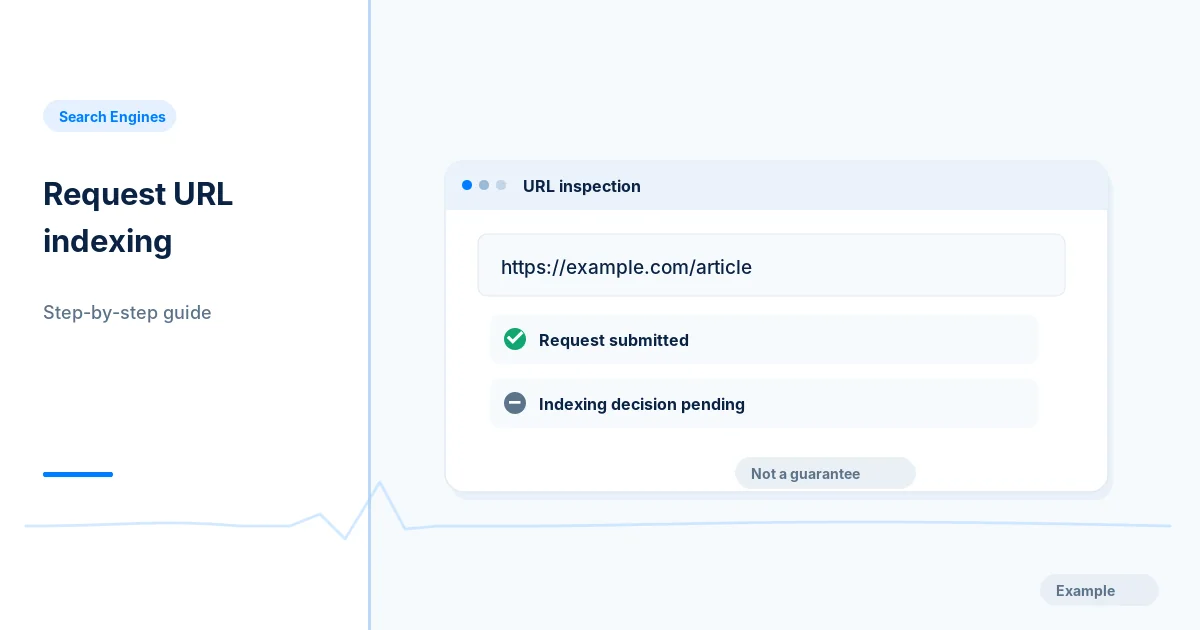
Google offers URL Inspection and request-indexing workflows, but ordinary pages cannot be forced into search results. This guide separates what the interface can verify from what it cannot promise.
Before you begin
You will need access to the website or account involved, a list of important public URLs, and permission to make the relevant changes. Save a backup of configuration before editing DNS, server rules, source code or search settings. A successful check means the specified condition was verified—not that Google or Bing will index or rank the page.
Step-by-step instructions
Step 1: Confirm basic eligibility
Check that the URL is public, indexable, not blocked by noindex and aligned with its canonical. Make sure it returns the intended content to both browsers and search crawlers.
What success looks like: There is no obvious technical reason the page cannot be discovered.
Step 2: Inspect in Search Console
Select the verified property, paste the exact canonical URL in URL Inspection and review the indexed-version summary and dates.
What success looks like: You know whether the displayed finding is current indexed data.
Step 3: Test the live URL if needed
Run the live test from the Search Console interface when supported, then inspect resources and crawlability concerns. A live test does not guarantee future index inclusion.
What success looks like: The live site can be fetched under the test’s conditions.
Step 4: Request indexing sparingly
If the page is newly published or materially corrected, use Request Indexing when available. Avoid repeating requests constantly; rely on internal links and a clean sitemap too.
What success looks like: A request was submitted or a clear quota/availability message was recorded.
Step 5: Follow up with evidence
Reinspect after time has passed and check search reports for actual indexing, not just a successful request. Investigate duplication or content quality if status remains unchanged.
What success looks like: You accurately report pending versus indexed status.
Final verification checklist
There is no obvious technical reason the page cannot be discovered.
You know whether the displayed finding is current indexed data.
The live site can be fetched under the test’s conditions.
A request was submitted or a clear quota/availability message was recorded.
You accurately report pending versus indexed status.
Common mistakes to avoid
Believing the general Google Indexing API covers ordinary pages.
Repeatedly requesting indexing without a page change.
Confusing Test Live URL with proof that the URL is indexed.
Frequently asked questions
Is there a bulk instant Google indexing service?
Google’s Indexing API is restricted to supported JobPosting and BroadcastEvent video cases; do not use it as a general URL shortcut.
How long will indexing take?
There is no guaranteed timetable; discovery, quality and crawling schedules all influence results.
Related guides
Official references
https://developers.google.com/search/docs/monitor-debug/search-console-start
https://developers.google.com/search/apis/indexing-api/v3/using-api
Next step: See how Crawvix checks a website and capture a baseline once scanning opens. This guide provides technical information, not a guarantee of rankings, 100-point Lighthouse scores or index inclusion.