 Performance · 9 min read
HTTP/2 and HTTP/3: What Changes for Speed and How to Check
See what HTTP/2 and HTTP/3 change, check which protocol your site uses with DevTools and curl, turn them on safely and know what they will not fix.

Practical, step-by-step website launch and SEO health guides.
Showing 73 to 96 of 133 guides (page 4 of 6)
Performance · 9 min read
See what HTTP/2 and HTTP/3 change, check which protocol your site uses with DevTools and curl, turn them on safely and know what they will not fix.
Performance · 2 min read
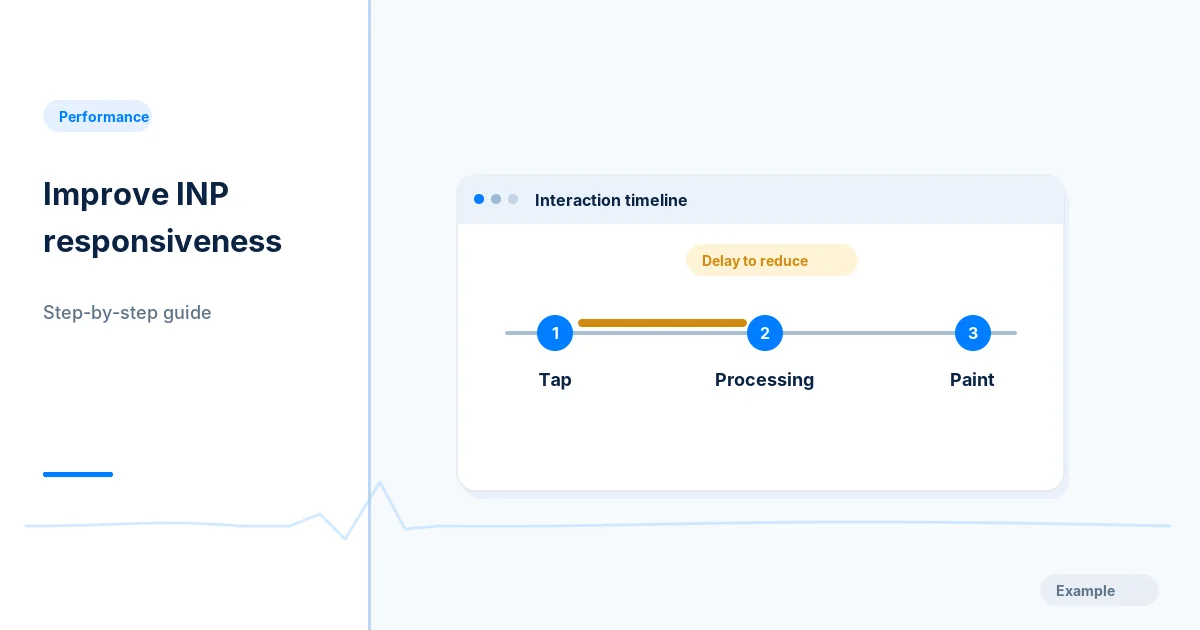
Find which clicks, taps and keystrokes feel slow, trace the long JavaScript tasks behind them, shorten the work and recheck INP on real devices.
Performance · 2 min read
Set a repeatable Lighthouse baseline, find the main bottleneck, make small safe fixes and compare repeated runs without breaking your site.
Performance · 11 min read
Defer YouTube video and map iframes with loading=lazy, reserve space to avoid layout shift, add a click-to-load facade and test what Google can see.
Performance · 8 min read
Lazy-load below-the-fold images with the native loading attribute, keep above-the-fold and LCP images eager, and test that Google still sees them.
Performance · 10 min read
Set up Lighthouse CI in your build, write a lighthouserc file with assertions and size budgets, and fail pull requests that slow the site down.
Performance · 2 min read
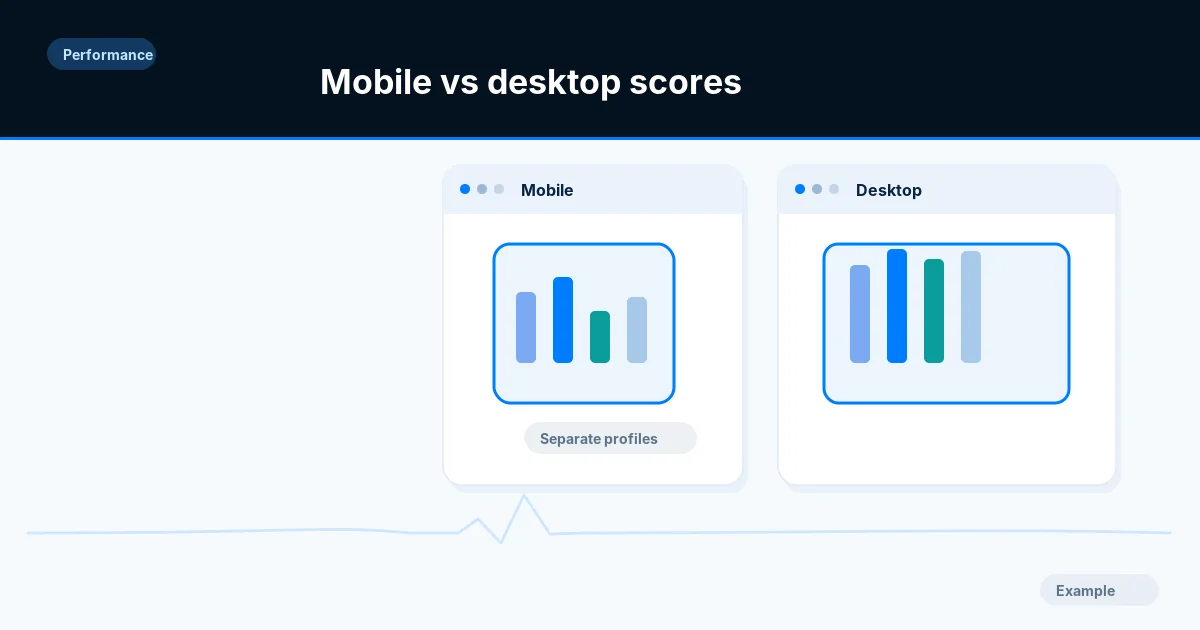
Learn why the mobile Lighthouse score is usually lower than desktop, then compare like-for-like runs and fix oversized images, scripts and slow requests.
Performance · 9 min read
Set the viewport meta tag, size and space tap targets, stop horizontal scrolling and keep text readable and zoomable, with tests you can run on a phone.
Performance · 10 min read
Check that your mobile pages carry the same content, links, structured data and robots rules as desktop, and test them with Search Console and DevTools.
Performance · 2 min read
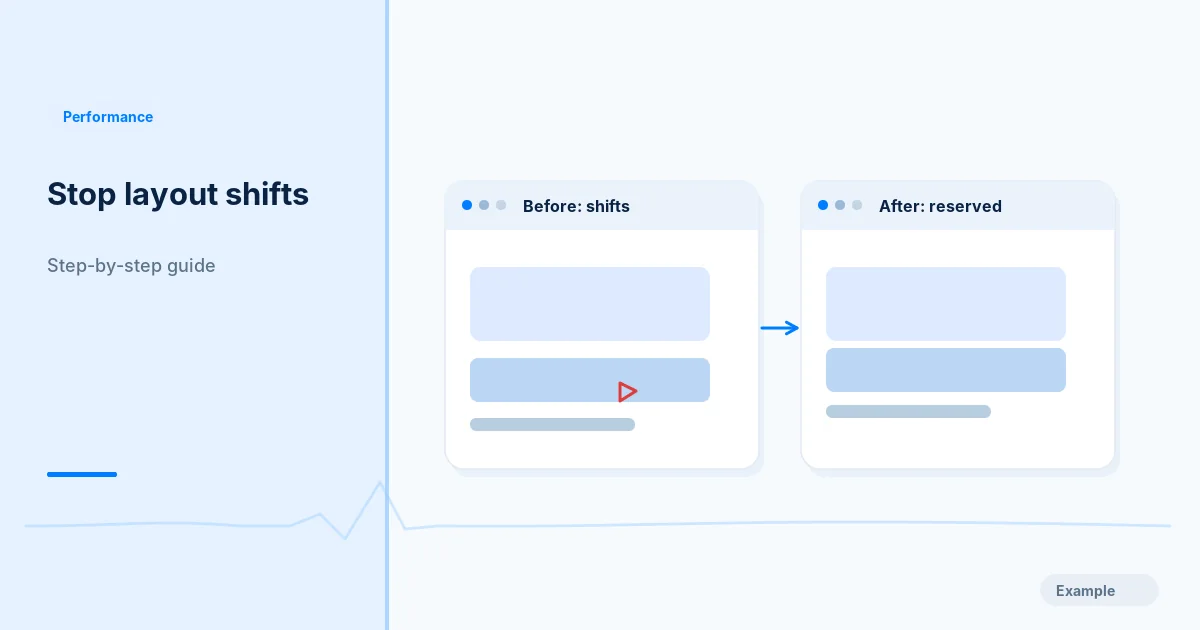
Find what makes your page jump while it loads, then reserve space for images, embeds, banners and fonts and retest CLS on mobile and desktop.
Performance · 10 min read
Find what fills your JavaScript bundle, remove unused code, split by route with dynamic import, and check the result with Lighthouse and DevTools.
Performance · 2 min read
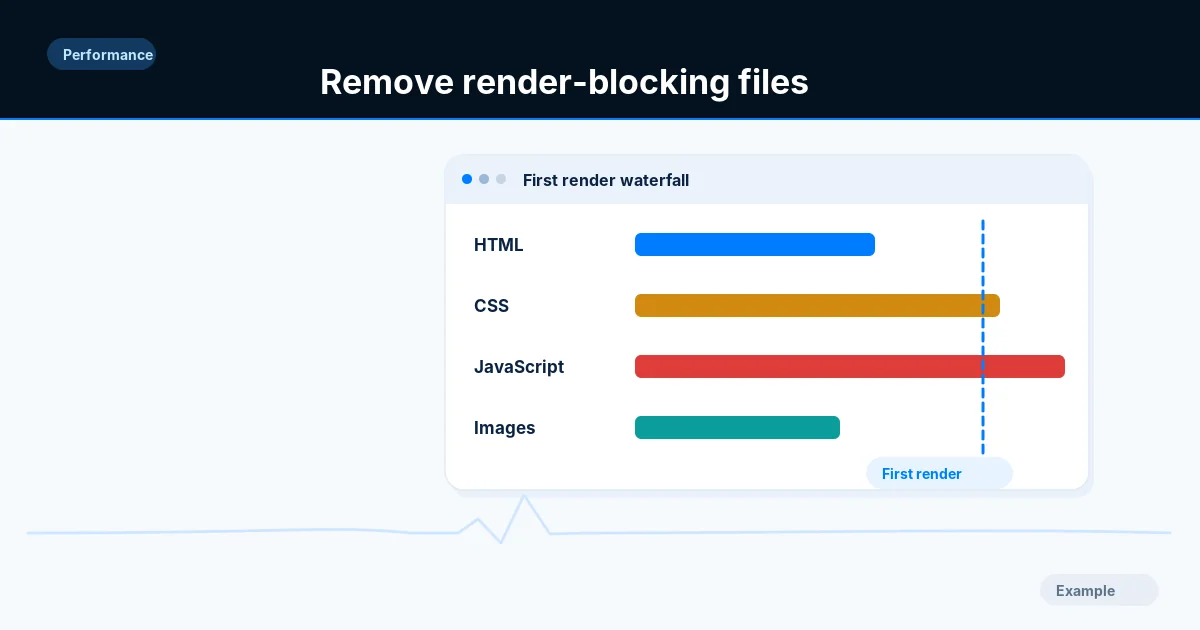
Identify the CSS and scripts that delay first paint, split critical from optional code, apply defer or async where safe and test menus and forms.
Performance · 11 min read
Write srcset and sizes correctly, use picture for art direction and formats, set width and height, and verify that phones download smaller files.
Performance · 9 min read
List every third-party tag, chat widget and ad script, measure what each costs your page, then remove, delay or isolate the ones that slow it down.
Performance · 10 min read
Measure time to first byte, split it into redirect, connection and server time, then cut each part with caching, fewer redirects and faster back-end work.
Performance · 2 min read
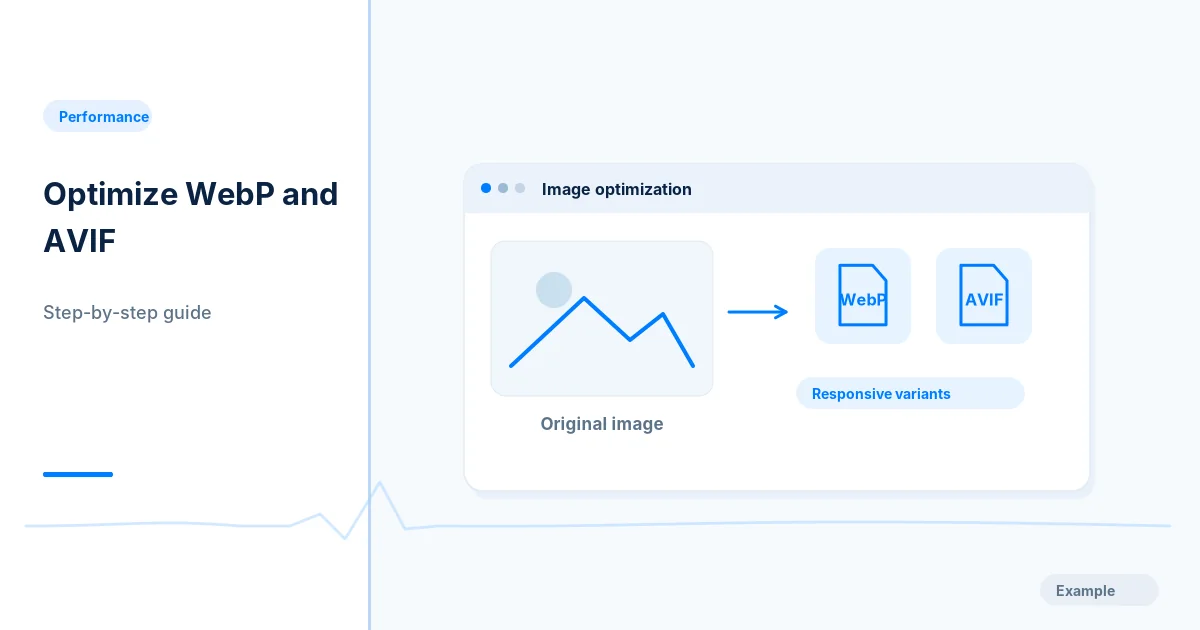
Audit your image sizes and formats, convert photos to WebP or AVIF, add responsive sizes and set loading attributes, then compare before and after bytes.
Configure permanent HTTPS and host redirects, forwarded headers, HSTS and real 404 responses in ASP.NET Core, whether it runs on IIS or Kestrel.
Set titles, canonicals, robots rules, a generated sitemap and correct 404 handling in a Next.js App Router site, then check the HTML crawlers receive.
Write 301 redirects for HTTPS, one canonical host and moved URLs in nginx and Apache, using the simplest directives, and test every hop with curl.
Audit your Shopify store's duplicate product URLs, variant and filter links, sitemap, robots.txt and redirects, and fix what is safe to change.
Set up Squarespace SEO correctly: titles, descriptions, URL slugs, redirects, sitemap and hiding pages, with clear limits on what the platform lets you change.
Configure permanent redirects, one canonical domain, crawl-safe headers and noindexed previews on Netlify or Vercel, then test each response.
Check your Webflow site's page titles, meta descriptions, sitemap, 301 redirects, staging indexing and canonical tags before and after you publish.
Check whether WordPress is telling search engines to skip your live site, turn the setting off, and confirm no other noindex source remains.