
 Crawvix Editorial Team
· Published October 28, 2026 · Last updated October 27, 2026 · 2 min read
Crawvix Editorial Team
· Published October 28, 2026 · Last updated October 27, 2026 · 2 min read
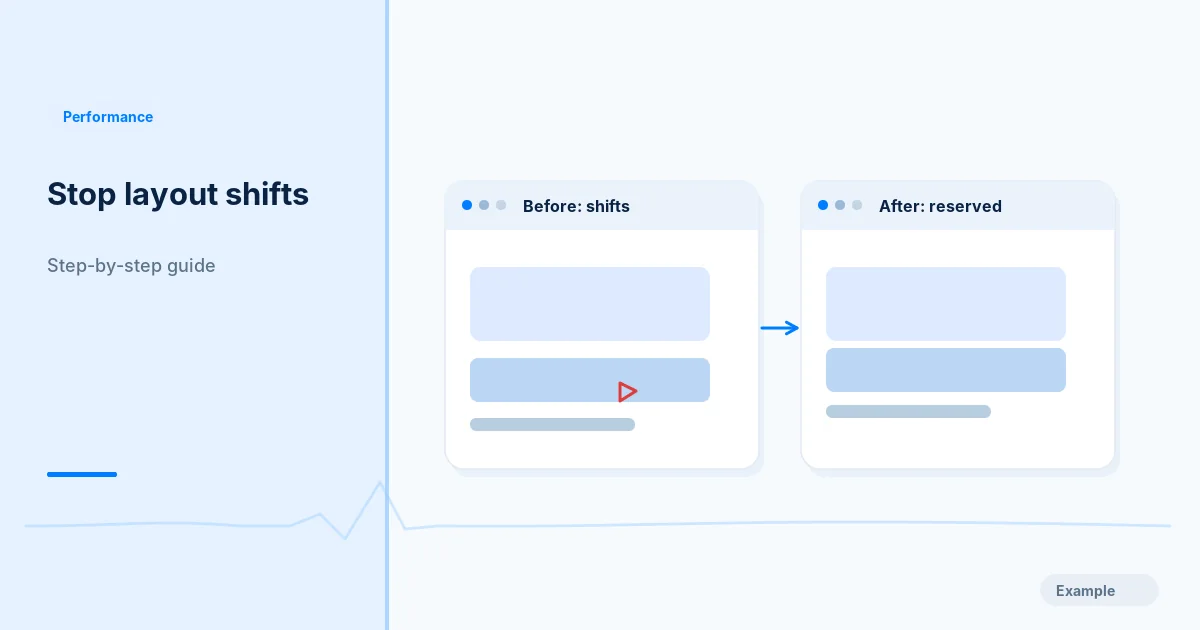
Layout shift is the visible movement of content after a page begins rendering. Improving CLS usually makes a website feel more stable and prevents accidental taps and reading interruptions.
Before you begin
You will need access to the website or account involved, a list of important public URLs, and permission to make the relevant changes. Save a backup of configuration before editing DNS, server rules, source code or search settings. A successful check means the specified condition was verified—not that Google or Bing will index or rank the page.
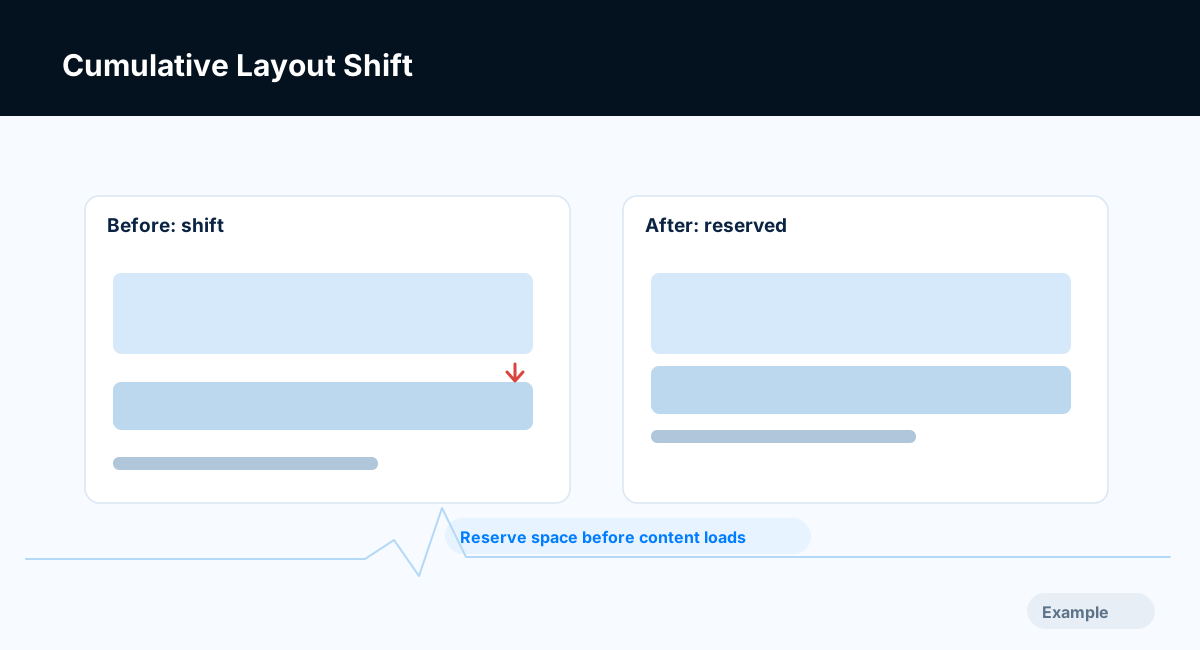
Example diagram, not a result from any real site.
Step-by-step instructions
Step 1: Reproduce the shift
Open the page in a consistent mobile viewport, record a loading session and locate layout-shift events in Chrome Performance or other diagnostics.
What success looks like: You can identify the elements moving unexpectedly.
Step 2: Reserve media space
Add appropriate width/height dimensions or CSS aspect-ratio for images, videos and embeds so the browser knows their footprint before download.
What success looks like: Media no longer pushes nearby content after load.
Step 3: Stabilize dynamic content
Reserve space for banners, consent modules and late-loaded widgets. Avoid inserting promotional elements above already rendered content without an intentional interaction.
What success looks like: Late content does not surprise the viewport.
Step 4: Check fonts and animation
Inspect fallback font swaps, text reflow and animations that alter layout-affecting properties. Prefer transforms for motion where appropriate.
What success looks like: Text and motion do not trigger large unintended shifts.
Step 5: Verify across templates
Retest desktop/mobile views for homepage, article, listing and form routes. Compare CLS readings and screenshot sequences.
What success looks like: The problem is fixed across affected templates, not hidden on one page.
Final verification checklist
You can identify the elements moving unexpectedly.
Media no longer pushes nearby content after load.
Late content does not surprise the viewport.
Text and motion do not trigger large unintended shifts.
The problem is fixed across affected templates, not hidden on one page.
Common mistakes to avoid
Treating an aggregate score as proof every template is fixed.
Hiding banner space instead of managing insertion.
Using a fixed height that clips actual content.
Frequently asked questions
What is a good CLS?
Core Web Vitals guidance targets CLS of 0.1 or less at p75.
Can a font cause CLS?
Yes. Font swaps and sizing differences can create unexpected reflow.
Related guides
Official references
Next step: See how Crawvix checks a website and capture a baseline once scanning opens. This guide provides technical information, not a guarantee of rankings, 100-point Lighthouse scores or index inclusion.