
 Crawvix Editorial Team
· Published October 28, 2026 · Last updated October 27, 2026 · 3 min read
Crawvix Editorial Team
· Published October 28, 2026 · Last updated October 27, 2026 · 3 min read
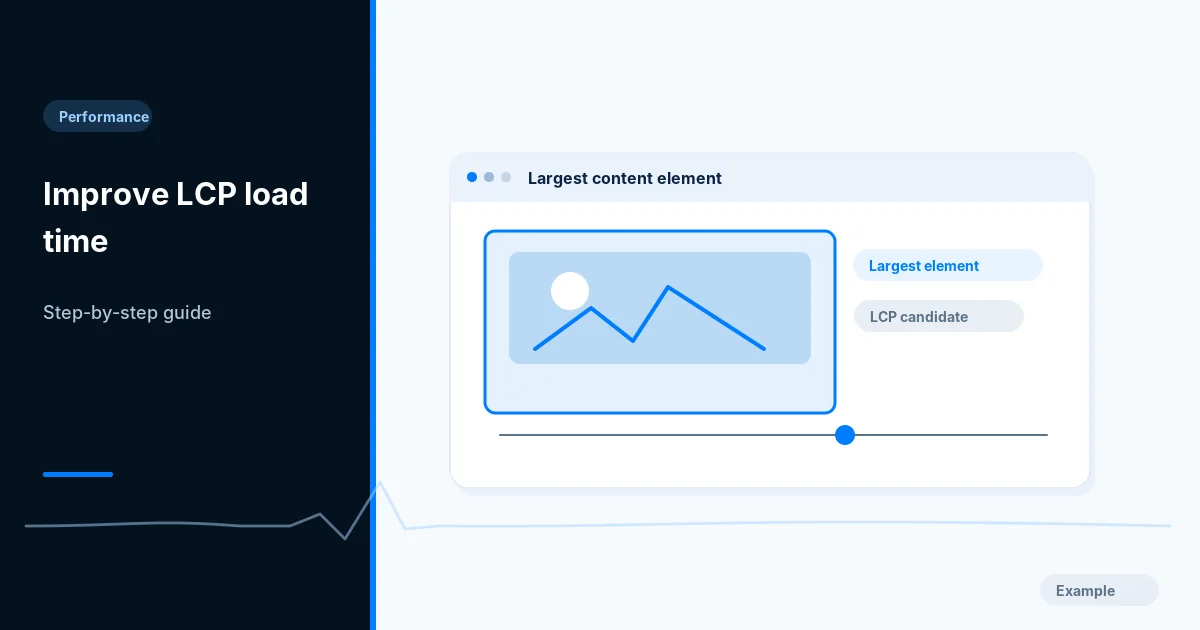
Largest Contentful Paint measures when the largest visible page content finishes rendering. On many sites the culprit is the hero image, but slow HTML, CSS and font loading can dominate too.
Before you begin
You will need access to the website or account involved, a list of important public URLs, and permission to make the relevant changes. Save a backup of configuration before editing DNS, server rules, source code or search settings. A successful check means the specified condition was verified—not that Google or Bing will index or rank the page.
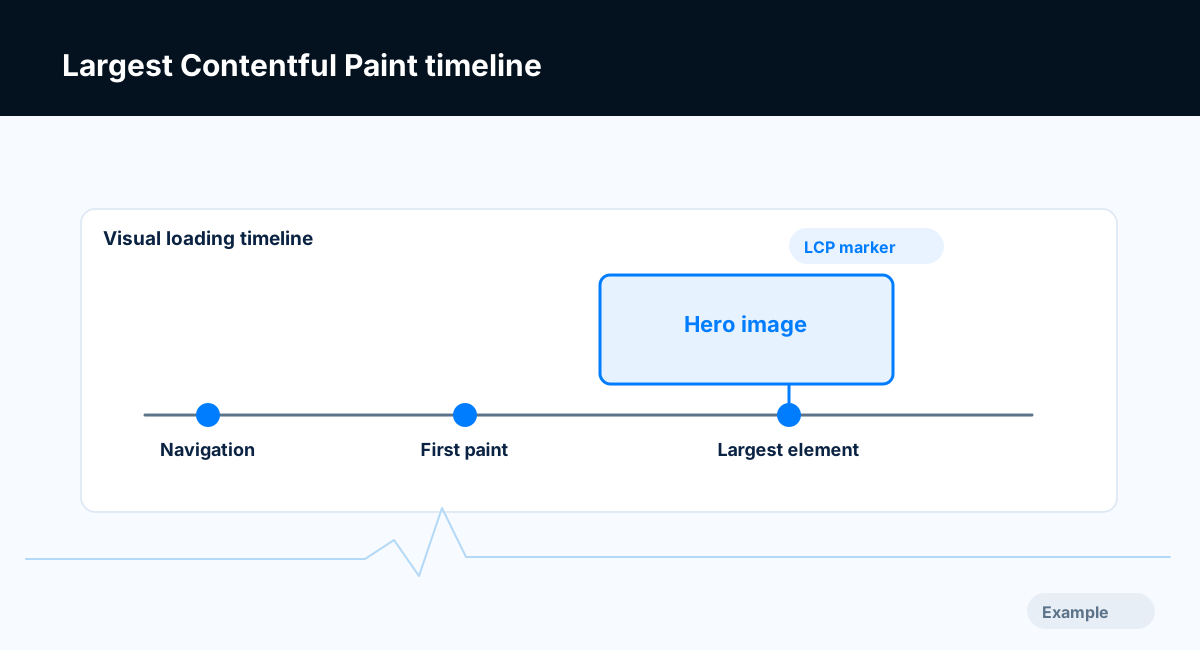
Example diagram, not a result from any real site.
Step-by-step instructions
Step 1: Locate the actual LCP element
Run Lighthouse or inspect performance traces to identify the LCP element, its resource URL and timing breakdown. Check a representative mobile viewport, not only desktop.
What success looks like: You know which element and resource matter on the target page.
Step 2: Measure server and discovery delay
Inspect Time to First Byte and when the browser discovers the LCP resource. A hero referenced only after heavy JavaScript or CSS may start too late.
What success looks like: You can separate network delay from resource rendering delay.
Step 3: Optimize the critical asset
Right-size the image, choose a suitable format, deliver responsive variants and use correct intrinsic dimensions. Do not lazy-load a confirmed above-the-fold LCP image.
What success looks like: The asset downloads fewer bytes and starts without avoidable delay.
Step 4: Use loading priority carefully
Consider fetchpriority high or a precise preload only for the measured LCP resource; avoid preloading too many large images and competing assets.
What success looks like: The waterfall shows appropriate early loading without harming other resources.
Step 5: Retest field and lab separately
Run repeated lab tests, then watch CrUX trends where available over its rolling window. Check no text or layout regression occurred on mobile.
What success looks like: The before/after measurements are comparable and site behavior remains correct.
Final verification checklist
You know which element and resource matter on the target page.
You can separate network delay from resource rendering delay.
The asset downloads fewer bytes and starts without avoidable delay.
The waterfall shows appropriate early loading without harming other resources.
The before/after measurements are comparable and site behavior remains correct.
Common mistakes to avoid
Lazy loading the primary hero.
Preloading the wrong crop or every image on the page.
Compressing an asset while ignoring a slow server response.
Frequently asked questions
What is a good LCP?
Core Web Vitals guidance targets LCP at or below 2.5 seconds at the 75th percentile of real visits.
Can I improve LCP with caching alone?
Caching may help, but you still need to diagnose the actual LCP element and critical resource chain.
Related guides
Official references
Next step: See how Crawvix checks a website and capture a baseline once scanning opens. This guide provides technical information, not a guarantee of rankings, 100-point Lighthouse scores or index inclusion.