 Email Deliverability · 7 min read
Set Up DMARC: From p=none to Quarantine and Reject
Publish a DMARC record, read the reports, and move from p=none to quarantine and reject safely, with troubleshooting and sources to verify.

Practical, step-by-step website launch and SEO health guides.
Showing 25 to 48 of 133 guides (page 2 of 6)
Email Deliverability · 7 min read
Publish a DMARC record, read the reports, and move from p=none to quarantine and reject safely, with troubleshooting and sources to verify.
 Indexing · 9 min read
Read the Alternate page with proper canonical tag status, confirm the canonical URL is the one you want indexed, and spot pages tagged by mistake.
Indexing · 2 min read
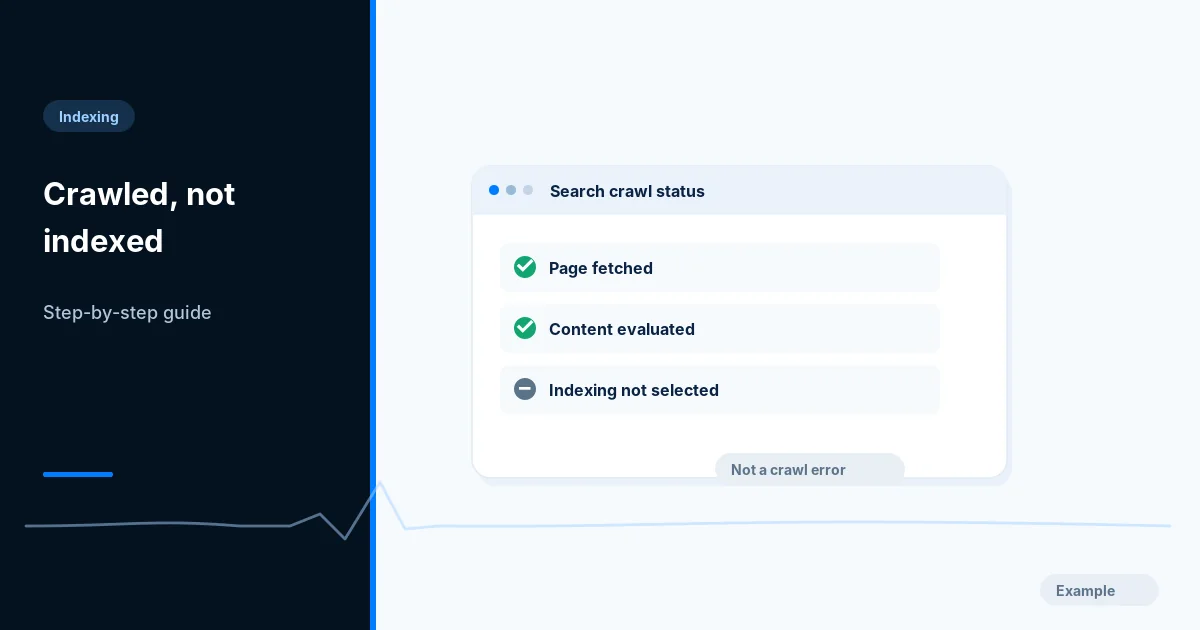
Understand the Search Console status where Google fetched a page but did not index it, and check eligibility, near-duplicates and page usefulness.
Indexing · 10 min read
Learn when a cross-domain canonical helps, why Google advises noindex for syndication partners, and how to set up and check both on your own pages.
Indexing · 2 min read
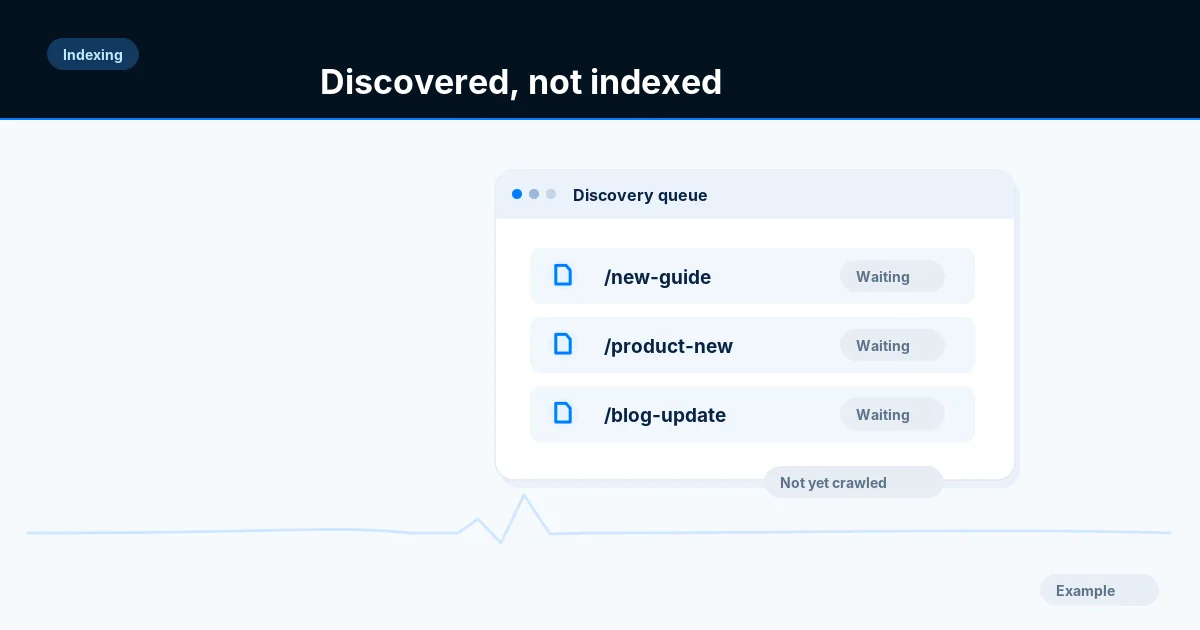
Work out why Google lists a URL as discovered but not yet crawled: check server errors, internal links, sitemap membership and wasted duplicate URLs.
Indexing · 9 min read
Fix the Duplicate without user-selected canonical status by choosing a preferred URL, declaring it, and making redirects, links and sitemaps agree.
Indexing · 9 min read
Find where an Excluded by noindex tag status comes from, check meta tags, headers, CMS settings and scripts, remove it safely and ask Google to recheck.
Indexing · 2 min read
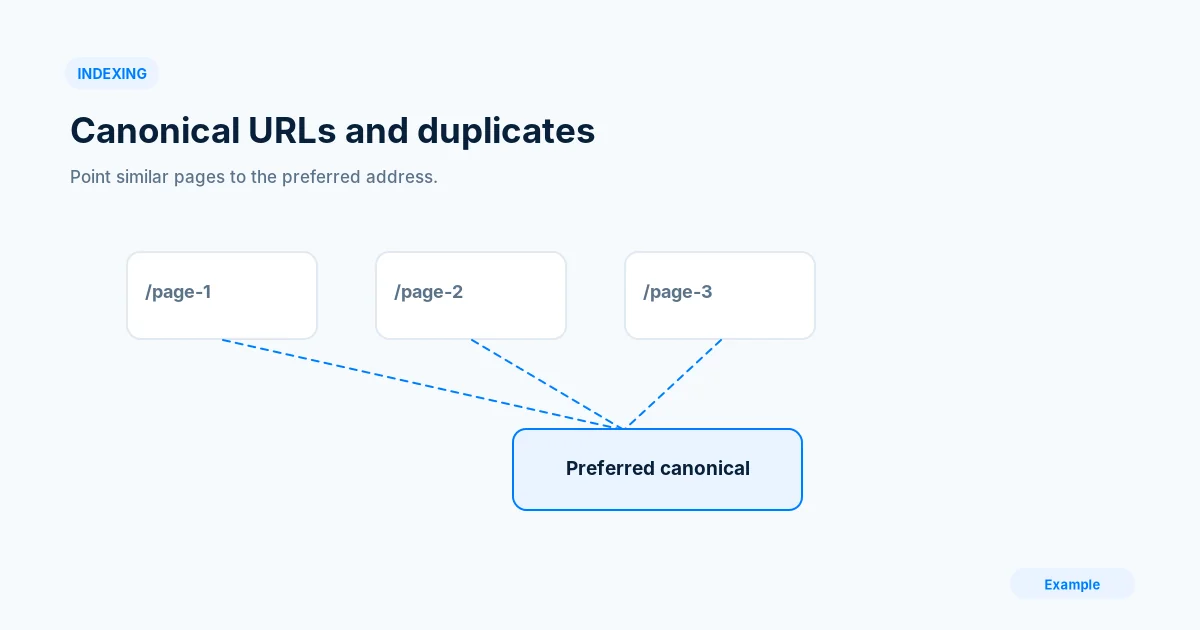
Map your duplicate URL variants, choose one preferred address and make canonical tags, redirects and sitemaps agree, then check what Google selected.
Indexing · 9 min read
Learn what the Page with redirect status means, which redirected URLs are fine, and how to clean up links, sitemaps and chains that cause it.
Indexing · 9 min read
Choose the right way to remove a URL from Google Search: the Removals tool, a 404 or 410, noindex or a password, plus what to do for pages you do not own.
Indexing · 10 min read
Find soft 404 pages in Search Console, test what your server really returns, and fix them with a true 404, richer content or a SPA workaround.
Add hreflang annotations in HTML, HTTP headers or a sitemap, with return links, valid language and region codes and an x-default fallback, then verify them.
Compare country domains, subdomains and subdirectories for a multilingual site, weigh the trade-offs, and set up the structure you choose with hreflang.
 JavaScript · 7 min read
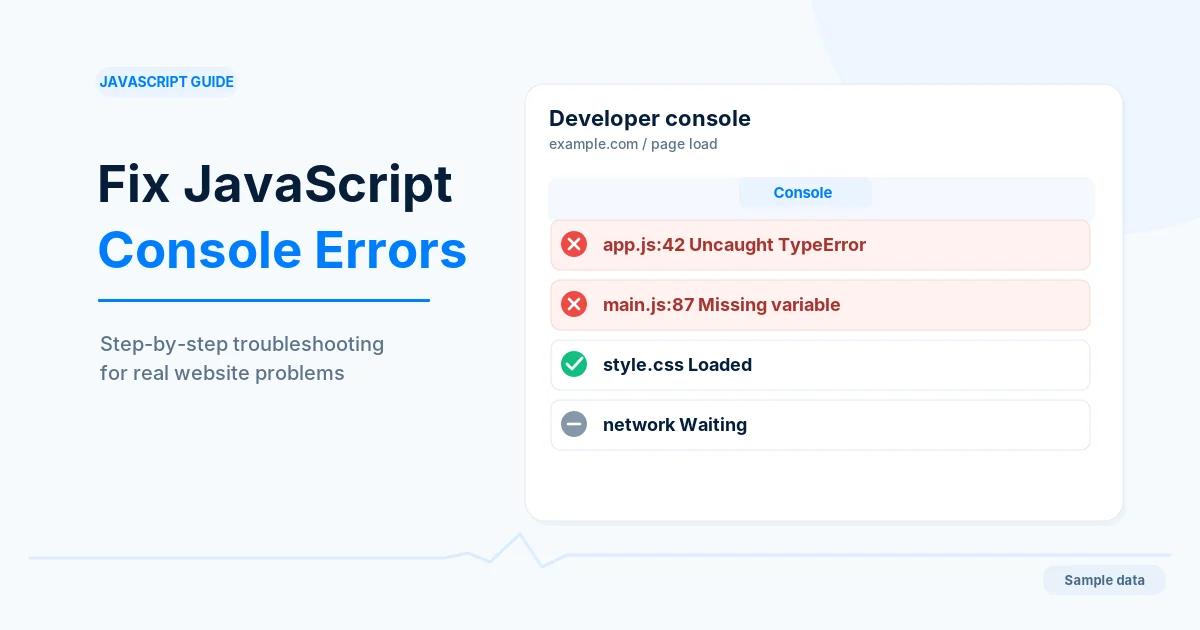
Open the browser console, tell your errors from extension and third-party noise, and fix the causes of errors logged when a page loads.
JavaScript · 10 min read
Add paginated URLs, real links and History API updates under an infinite scroll feed so search engines can reach every item, and test it in Search Console.
JavaScript · 9 min read
Understand how Google crawls, renders and indexes JavaScript pages, compare server and client rendering, and test what a crawler actually sees.
A week-by-week plan for the first month after a website launch: which Search Console reports to read, what is normal, and which problems to fix first.
Move to a new domain step by step: verify both properties, map and redirect every URL with 301s, use Change of Address and keep the old domain active.
Learn what A, AAAA, CNAME, MX and TXT records do, set them up for a website launch, and check each one with dig before you send traffic.
Compare staging and production settings, find hardcoded test URLs, rehearse the cutover and run a one-hour smoke test so launch day shows no SEO surprises.
Protect a staging or test site with a password, a noindex header and clean URLs, then avoid launch-day leaks and clean up if staging pages were indexed.
Work through a pre-launch technical SEO checklist covering indexing controls, redirects, HTTPS, metadata, mobile, performance, sitemaps and Search Console.
A phased checklist for site moves that change URLs: map old to new addresses, redirect with 301s, protect crawling, monitor Search Console and keep redirects.
Set up website uptime monitoring with real checks, useful alerts and a correct 503 maintenance page so outages are found and handled quickly.