
 Crawvix Editorial Team
· Published October 28, 2026 · Last updated October 27, 2026 · 2 min read
Crawvix Editorial Team
· Published October 28, 2026 · Last updated October 27, 2026 · 2 min read
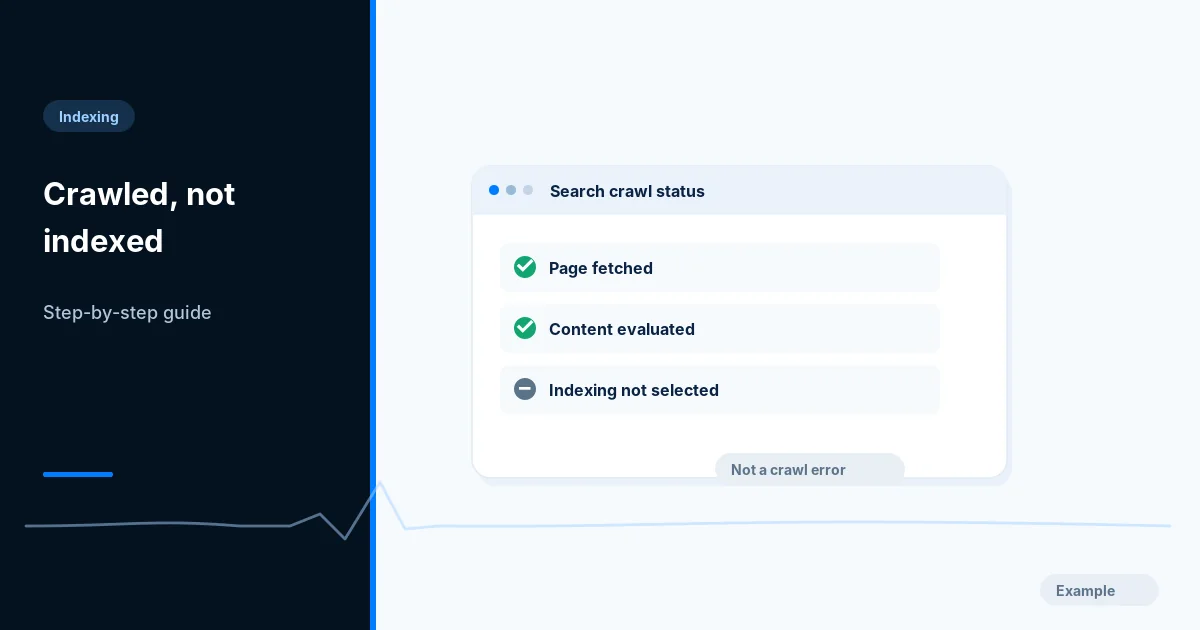
Google has fetched the URL but has not selected it for indexing. That status is not automatically a technical error: duplication, relevance, content quality or ordinary processing can all matter.
Before you begin
You will need access to the website or account involved, a list of important public URLs, and permission to make the relevant changes. Save a backup of configuration before editing DNS, server rules, source code or search settings. A successful check means the specified condition was verified—not that Google or Bing will index or rank the page.
Step-by-step instructions
Step 1: Inspect representative URLs
Open Search Console Page indexing, select the status and inspect a small sample of important pages. Confirm dates and whether they share a page type.
What success looks like: You have examples rather than a blanket assumption.
Step 2: Verify technical eligibility
Check HTTP 200, mobile rendering, noindex, canonical tags, redirects and content availability. Use live URL tests carefully; an eligible page still may not be selected for indexing.
What success looks like: No obvious technical contradiction remains for high-priority pages.
Step 3: Compare near-duplicates
Review similar products, filters, archives and boilerplate pages. Ask whether each URL offers genuinely distinct value and whether a canonical consolidation is appropriate.
What success looks like: Important pages have distinct purposes and consistent canonical signals.
Step 4: Improve discoverability and usefulness
Add relevant contextual links from stronger pages, improve thin pages with original information and make titles reflect actual search intent. Avoid creating hundreds of near-identical keyword variants.
What success looks like: Users and crawlers can reach a substantively useful page.
Step 5: Monitor instead of mass-requesting
Track cohorts over time and request reinspection selectively after meaningful changes. A submitted request is not proof of indexing and repeated requests do not make poor content indexable.
What success looks like: The status is interpreted in context and follow-up is scheduled.
Final verification checklist
You have examples rather than a blanket assumption.
No obvious technical contradiction remains for high-priority pages.
Important pages have distinct purposes and consistent canonical signals.
Users and crawlers can reach a substantively useful page.
The status is interpreted in context and follow-up is scheduled.
Common mistakes to avoid
Assuming the status always indicates a broken server.
Publishing many near-identical pages hoping volume wins.
Requesting indexing every day without a substantial fix.
Frequently asked questions
Should I delete every affected page?
No. Prioritize business-important URLs; some lower-value pages may not need indexing.
Will more sitemap submissions solve it?
Usually not by themselves. Discovery is different from Google choosing to index a page.
Related guides
Discovered — Currently Not Indexed: A Practical Troubleshooting Guide
Set Up Google Search Console: Complete Website Owner Checklist
Official references
https://developers.google.com/search/docs/crawling-indexing/troubleshoot-crawling-errors
https://developers.google.com/search/docs/monitor-debug/search-console-start
Next step: See how Crawvix checks a website and capture a baseline once scanning opens. This guide provides technical information, not a guarantee of rankings, 100-point Lighthouse scores or index inclusion.