
 Crawvix Editorial Team
· Published October 28, 2026 · Last updated October 27, 2026 · 2 min read
Crawvix Editorial Team
· Published October 28, 2026 · Last updated October 27, 2026 · 2 min read
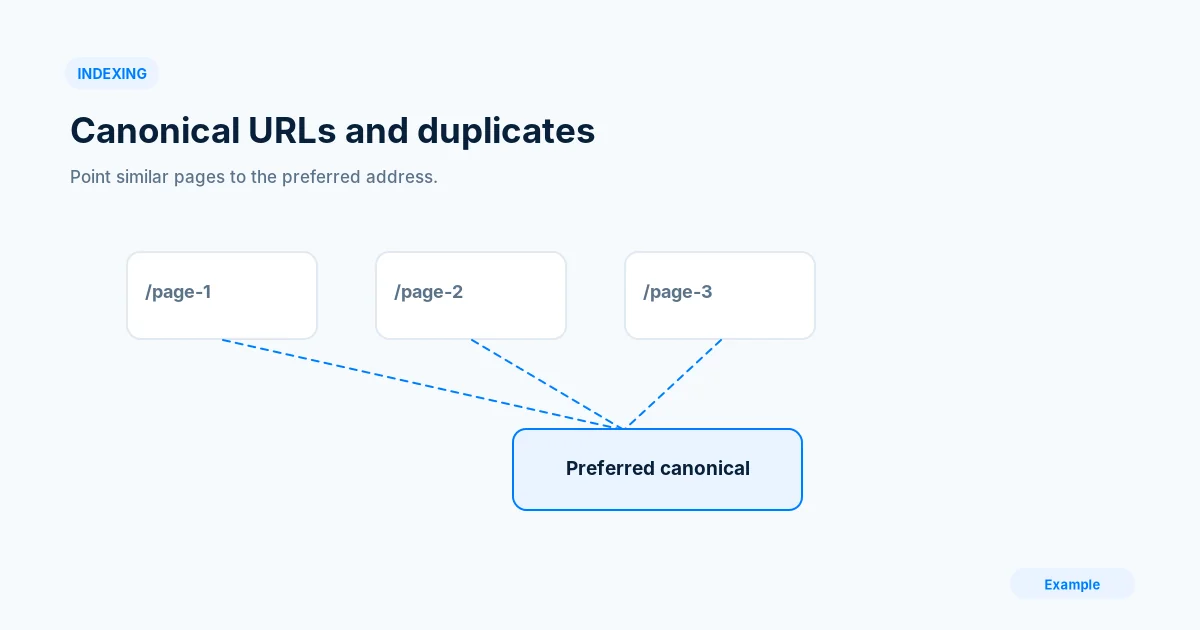
Duplicate URLs often emerge from www variations, tracking parameters, filters and CMS-generated routes. The canonical tag is one signal among several, not a command that search engines must obey.
Before you begin
You will need access to the website or account involved, a list of important public URLs, and permission to make the relevant changes. Save a backup of configuration before editing DNS, server rules, source code or search settings. A successful check means the specified condition was verified—not that Google or Bing will index or rank the page.
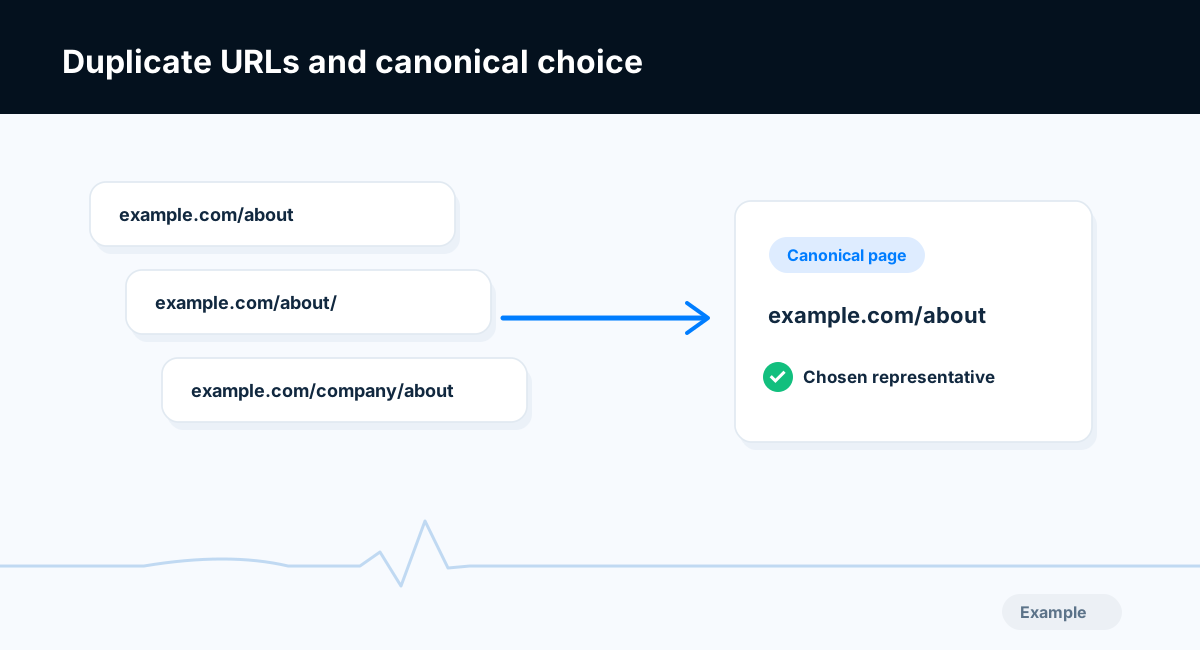
Example diagram, not a result from any real site.
Step-by-step instructions
Step 1: Map URL variants
List HTTP/HTTPS, www/non-www, trailing-slash, query and case variants for a representative page. Record where each returns and whether its content differs.
What success looks like: You understand which URLs are legitimate duplicates.
Step 2: Choose a preferred URL
Select the stable public HTTPS address that should appear in search. Consider redirects, internal links and sitemap listings before declaring a canonical.
What success looks like: One consistent preferred address is documented.
Step 3: Align canonical signals
Set rel=canonical on indexable pages, update internal links and sitemaps, and redirect obsolete true duplicates when appropriate. Avoid canonicalizing distinct pages to a generic homepage.
What success looks like: HTML, redirects and sitemap agree about the preferred page.
Step 4: Check rendered HTML
Inspect the final rendered head and server headers on templates. Catch cases where a shared layout accidentally points every route to one canonical URL.
What success looks like: Each page has the right canonical for its actual content.
Step 5: Monitor Google selection
Use URL Inspection to compare user-declared and Google-selected canonical where available. Investigate significant disagreements instead of assuming instant updates.
What success looks like: You can distinguish the declared signal from the engine’s decision.
Final verification checklist
You understand which URLs are legitimate duplicates.
One consistent preferred address is documented.
HTML, redirects and sitemap agree about the preferred page.
Each page has the right canonical for its actual content.
You can distinguish the declared signal from the engine’s decision.
Common mistakes to avoid
Every page accidentally canonicalizes to home.
Canonical link differs between server HTML and JavaScript output.
Sitemaps include parameter variants as if they were unique content.
Frequently asked questions
Does canonical guarantee a choice?
No. Search engines evaluate multiple signals and may select a different canonical.
Should I redirect all parameter URLs?
Not automatically. Some parameters represent meaningful user-facing content.
Related guides
Discovered — Currently Not Indexed: A Practical Troubleshooting Guide
Set Up Google Search Console: Complete Website Owner Checklist
Official references
https://developers.google.com/search/docs/crawling-indexing/consolidate-duplicate-urls
https://developers.google.com/search/docs/crawling-indexing/sitemaps/build-sitemap
Next step: See how Crawvix checks a website and capture a baseline once scanning opens. This guide provides technical information, not a guarantee of rankings, 100-point Lighthouse scores or index inclusion.