 On-Page SEO · 10 min read
Anchor Text Best Practices for Internal and External Links
Write descriptive anchor text, replace click here links, fix empty image links and check the rendered HTML so readers and crawlers know where each link goes.

Practical, step-by-step website launch and SEO health guides.
Showing 49 to 72 of 133 guides (page 3 of 6)
On-Page SEO · 10 min read
Write descriptive anchor text, replace click here links, fix empty image links and check the rendered HTML so readers and crawlers know where each link goes.
On-Page SEO · 8 min read
Review old pages with real data and decide whether to keep, update, merge, redirect, noindex or delete each one, with the redirect and sitemap steps.
On-Page SEO · 8 min read
Add a favicon Google can use in search results: the link tag, size and format rules, robots.txt access, and what to do when your icon does not appear.
On-Page SEO · 9 min read
Build a clear heading outline with one H1 and nested H2 to H6 headings, fix skipped levels and styled-text headings, and know what Google does and ignores.
On-Page SEO · 8 min read
Audit a page against Google's own questions on people-first content, covering originality, expertise, who wrote it, how and why, with fixes for weak spots.
On-Page SEO · 8 min read
Write useful alt text, pick descriptive file names, use real img elements and supported formats, and check that Google can find and understand your images.
On-Page SEO · 10 min read
Map your key pages, add crawlable contextual links with descriptive anchor text, and use the Search Console Links report to find weak spots.
On-Page SEO · 8 min read
Learn what every Google-supported meta robots directive does, which old ones are ignored, and how to set, combine and test them without hiding the wrong pages.
On-Page SEO · 8 min read
Learn when to use rel nofollow, sponsored and ugc on outbound links, how to combine them, and how to check your ads, comments and affiliate links.
On-Page SEO · 8 min read
Add og:title, og:image and twitter:card tags so shared links show the right title, description and picture, then test the result and fix the usual mistakes.
On-Page SEO · 9 min read
Work out the intent behind your target queries, check what already ranks, and shape the page type, title and first screen to answer it.
On-Page SEO · 8 min read
Design readable URLs with plain words, hyphens and one consistent case, avoid parameter and session-ID sprawl, and change old URLs safely with 301 redirects.
On-Page SEO · 9 min read
Audit your site for empty, near-empty, copied and near-duplicate pages, then decide whether to expand, merge, redirect, canonicalize or remove each one.
On-Page SEO · 10 min read
Find out why Google shows a different title than your title tag, which signals it reads, and how to write page titles that are less likely to be replaced.
On-Page SEO · 2 min read
Write a unique title and meta description for each page around one search intent, keep headings consistent and audit templates for duplicates.
 Performance · 9 min read
Turn on Brotli or gzip for HTML, CSS and JavaScript, choose the right file types and levels, and verify the Content-Encoding and Vary headers with curl.
Performance · 9 min read
Set Cache-Control headers so browsers and CDNs reuse static files, keep HTML fresh, avoid stale CSS and personal pages in shared caches, and verify the result.
Performance · 10 min read
Set up a CDN for speed, choose what to cache, keep Googlebot and Bingbot able to crawl, and verify cache headers, status codes and bot access afterwards.
Performance · 9 min read
Learn what the three Core Web Vitals measure, the good and poor thresholds, why field and lab numbers differ, and how to read your results and plan fixes.
Performance · 8 min read
Understand how the Search Console Core Web Vitals report groups URLs, why it shows no data, and how to rank fixes and track them over a 28-day window.
Performance · 10 min read
Learn when critical CSS is worth the effort, how to extract above-the-fold styles, inline them in the head, load the rest later and test for flashes.
Performance · 10 min read
Compare Lighthouse lab results with Chrome UX Report field data, understand why they differ metric by metric and decide which one to act on.
Performance · 3 min read
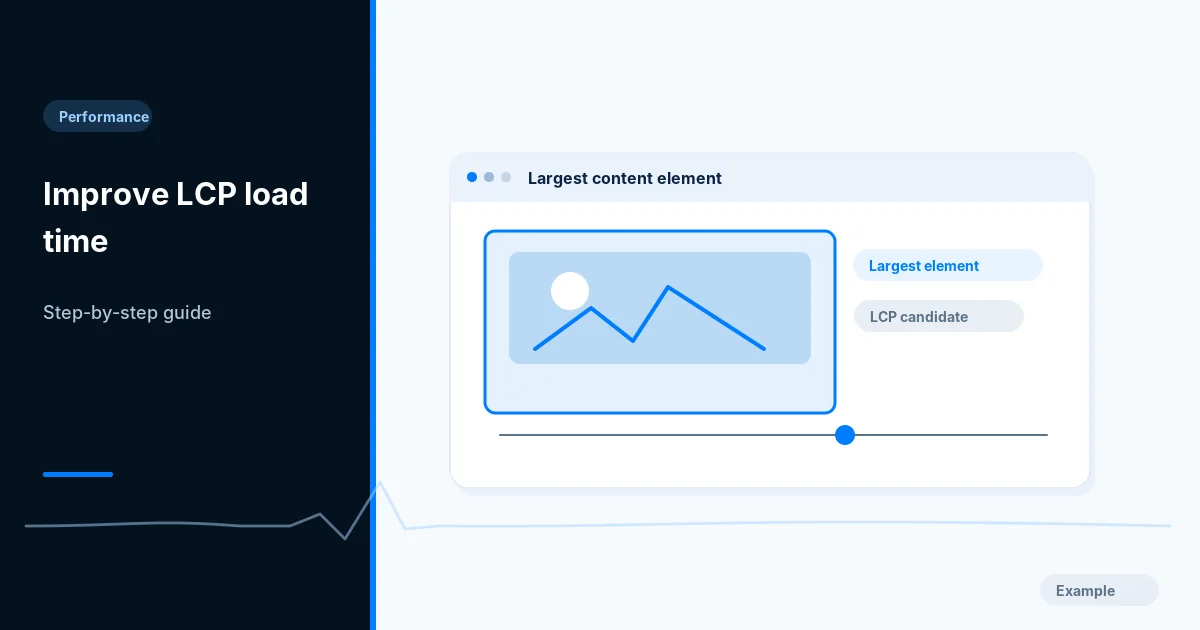
Identify your page's LCP element, then fix slow server response, late discovery and oversized images, and retest in lab and field data on mobile.
Performance · 9 min read
Choose the right font-display value, preload key fonts, subset to WOFF2 and match fallback sizes so web fonts load fast without text jumping on screen.