 Sitemaps · 3 min read
How to Create a Valid XML Sitemap for Your Website
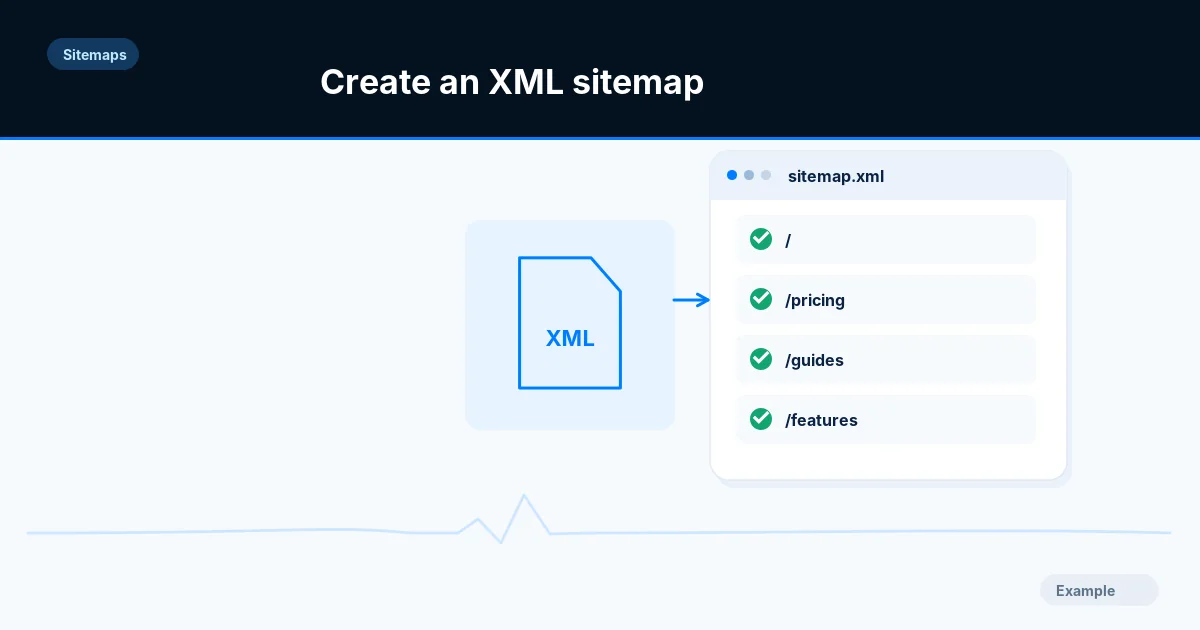
Build an XML sitemap of canonical, indexable pages, keep it within the 50,000 URL and 50 MB limits, publish it and submit it to Google and Bing.

Practical, step-by-step website launch and SEO health guides.
Showing 121 to 133 of 133 guides (page 6 of 6)
Sitemaps · 3 min read
Build an XML sitemap of canonical, indexable pages, keep it within the 50,000 URL and 50 MB limits, publish it and submit it to Google and Bing.
Sitemaps · 8 min read
Learn how an HTML sitemap for visitors differs from an XML sitemap for crawlers, decide which your site needs, and build and check each one.
Sitemaps · 7 min read
Decide whether your site needs image, video or news sitemap extensions, then build them with the right namespaces, required tags and size limits.
Sitemaps · 8 min read
Find out which sitemap tags Google and Bing actually use, set accurate lastmod dates from real edits and drop the changefreq and priority values.
Sitemaps · 3 min read
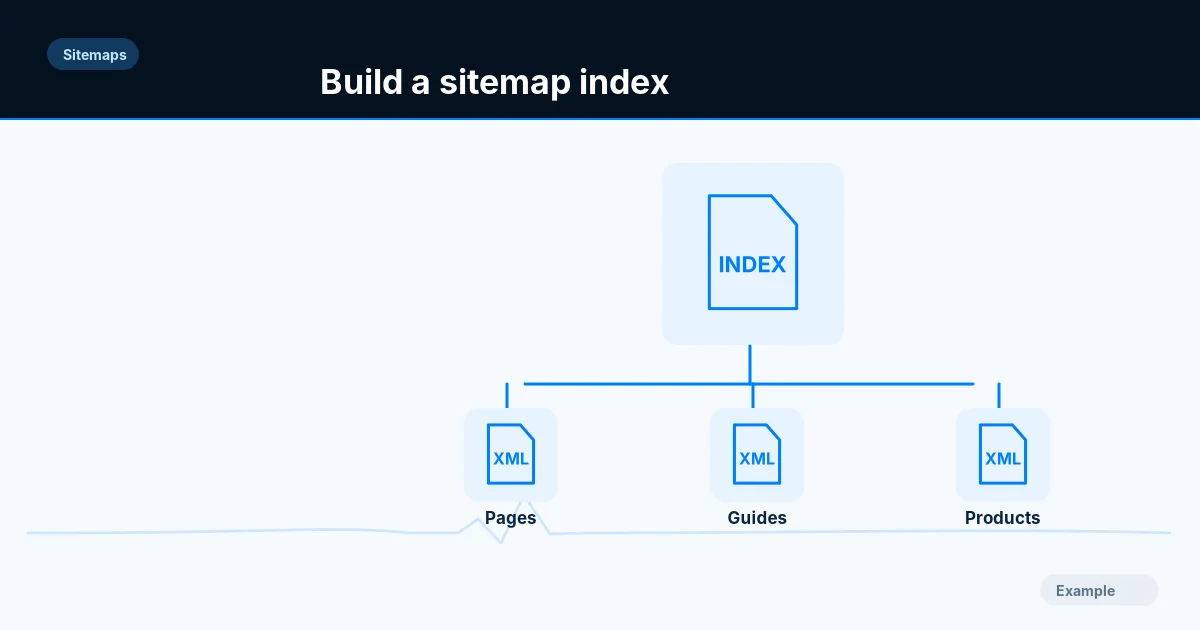
Split a sitemap that passes 50,000 URLs or 50 MB into stable child files with a sitemap index, then validate each file and submit the index.
Add Article, NewsArticle or BlogPosting JSON-LD with the right headline, author, dates and images, keep it matched to the page, and test it before launch.
Add BreadcrumbList JSON-LD that matches your visible breadcrumb trail, with correct position, name and item values, and test it before and after launch.
Google stopped showing FAQ rich results in May 2026. See what changed, what FAQPage markup still means, and how to decide whether to keep or remove it.
Check JSON-LD with the Rich Results Test, the Schema Markup Validator, URL Inspection and Search Console, and learn what each tool can and cannot tell you.
Add LocalBusiness JSON-LD with a name, address, opening hours and coordinates, handle departments and several locations, and test the result.
Write Organization JSON-LD with your name, logo, contact details and profile links, put it on the right page and test it before you deploy.
Add Product structured data to shop pages with a price, currency and availability, choose between product snippets and merchant listings, and test it.
Decode the Rich Results Test messages you are most likely to see, such as missing field, invalid value and unsupported context, and fix each one in your markup.