
 Crawvix Editorial Team
· Published October 28, 2026 · Last updated October 28, 2026 · 7 min read
Crawvix Editorial Team
· Published October 28, 2026 · Last updated October 28, 2026 · 7 min read
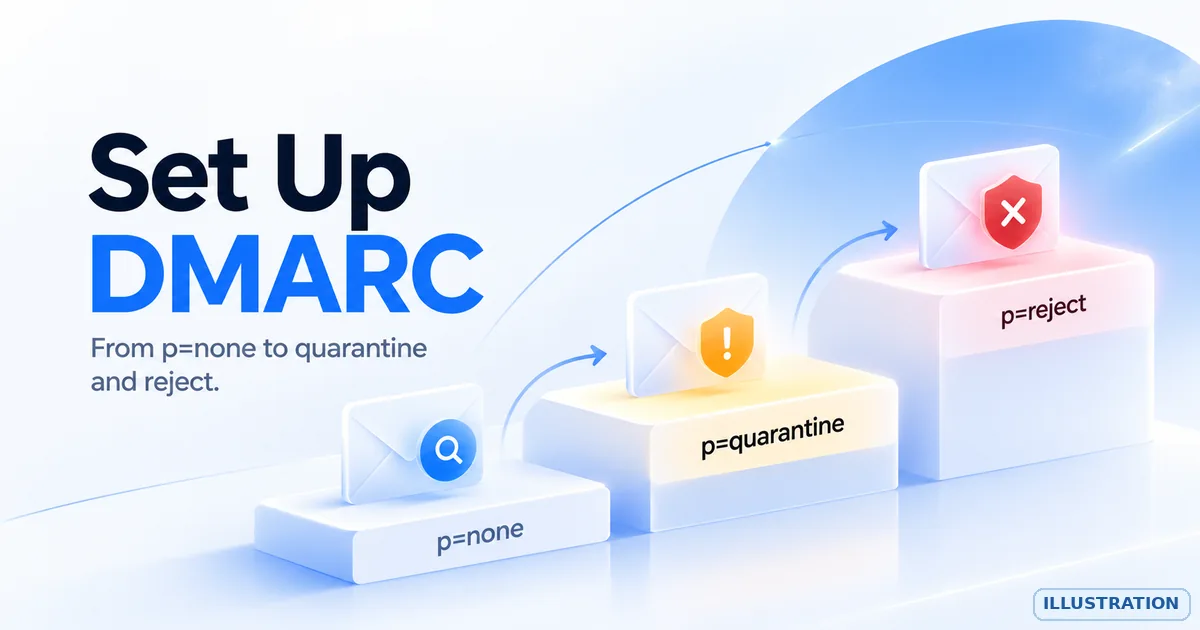
DMARC (Domain-based Message Authentication, Reporting and Conformance) lets the owner of a domain say what receivers should do with mail that claims to be from the domain but fails authentication, and asks receivers to send reports about it. Done carefully, it makes it harder for others to spoof your domain. It does not guarantee inbox delivery, and a policy that is too strict, set too early, can block your own genuine mail.
Before you begin
DMARC builds on SPF and DKIM, so set those up first (see the related guides below). List every system that sends email as your domain, because each one must pass SPF or DKIM in a way that lines up with your From domain before you tighten the policy. You need access to your DNS and a mailbox that can receive reports. Reports arrive as machine-readable files, so decide whether you will read them with a DMARC report tool.
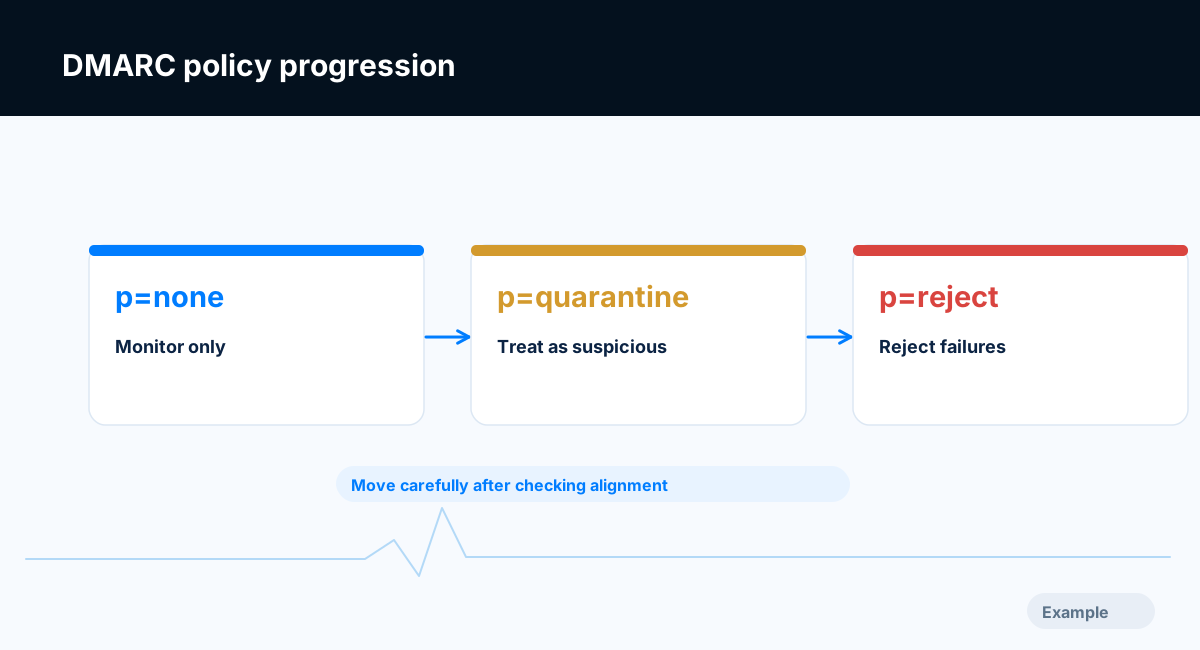
Example diagram, not a result from any real site.
Step-by-step instructions
Step 1: Understand what DMARC checks
A message passes DMARC when SPF or DKIM passes and the domain that passed is aligned with the domain in the visible From address. Alignment is relaxed by default, meaning the two domains only need to share the same organizational domain; strict alignment (aspf=s, adkim=s) requires an exact match. A message that passes SPF for a service's own bounce domain, with no DKIM for your domain, fails DMARC.
What success looks like: You can explain why a message from a third-party service can pass SPF yet fail DMARC.
Step 2: Publish a monitoring record
Add one TXT record at _dmarc.yourdomain (for example _dmarc.example.com). Start with a policy that only watches:
v=DMARC1; p=none; rua=mailto:dmarc-reports@example.com
v=DMARC1 must come first. p is the policy: none (monitor only), quarantine (ask receivers to treat failing mail as suspicious, for example by sending it to spam) or reject (ask receivers to refuse it). rua is where aggregate reports go. Use an address on your own domain that you control. Keep exactly one DMARC record; when there are two, receivers ignore DMARC.
What success looks like: A DNS lookup for the _dmarc name returns one record starting v=DMARC1.
Step 3: Receive reports for a while
Large receivers send aggregate reports, normally about once a day, as compressed XML files. They show which servers sent mail as your domain and whether SPF, DKIM and alignment passed. If you point rua at an address on a different domain, that domain must publish a TXT record at yourdomain._report._dmarc.reportdomain with the value v=DMARC1, otherwise receivers are not expected to send the reports. The Crawvix DMARC policy check tests for this. Forensic reports (ruf) are rarely sent and can contain message content, so most owners skip them.
What success looks like: Reports arrive, and you can see which sources send as your domain.
Step 4: Fix every legitimate sender
Compare the reports with your list of sending systems. For each one that fails, set up DKIM signing with your own domain, or add it to SPF and use a custom return-path domain if the service supports it. Also identify sources you do not recognize. Some may be old tools, and some may be spoofing. Forwarded mail and mailing lists can break SPF and sometimes DKIM, so a small amount of genuine mail may fail even when you have done everything right; expect to see it in the reports and weigh it before moving to reject. Take as long as you need; the time depends on how many systems send for you.
What success looks like: Every system you rely on passes DMARC in the reports.
Step 5: Move to quarantine
When the reports are clean, change p=none to p=quarantine. If you are cautious, the pct tag can apply the policy to only a percentage of failing mail while you watch the result, for example pct=25, then raise it to 100. The Crawvix check reports Failing for pct=0 and notes a warning for any value below 100. A revised DMARC specification has been in preparation, so confirm in the current standard which tags are supported before relying on pct.
What success looks like: The record says p=quarantine and your genuine mail still passes.
Step 6: Move to reject when you are confident
p=reject asks receivers to refuse failing mail. Move to it only after reports show no genuine sender failing. The sp tag sets a separate policy for subdomains; without it, subdomains follow p. Do not set sp=none unless you intend to leave subdomains unprotected, and note that a subdomain with its own DMARC record uses that record instead.
What success looks like: The record says p=reject (or quarantine if you decide to stop there) and reports stay clean.
Step 7: Protect a domain that sends no email
If a domain never sends email, publish v=DMARC1; p=reject; together with the SPF record v=spf1 -all and a null MX record (priority 0 and host .) so nobody can deliver mail to it. The Crawvix checks expect all three for a domain you have marked as not sending email.
What success looks like: The domain has reject, -all and a null MX, and the checks pass.
Final verification checklist
SPF and DKIM are set up for every system that sends as your domain.
Exactly one TXT record exists at
_dmarc.yourdomainand it startsv=DMARC1.The
ruaaddress is valid, on a domain that accepts the reports, and someone reads the reports.Reports show every genuine sender passing DMARC before you tighten the policy.
The policy is
quarantineorreject, andpctis not below 100 unless you chose that on purpose.A domain that sends no email uses
p=reject.
Common mistakes to avoid
Jumping straight to
p=rejectbefore checking the senders.Staying on
p=noneforever. It only monitors and does not protect the domain.Publishing two DMARC records.
Putting the record at the domain instead of at the
_dmarcname.Sending reports to another domain without the authorization record.
Forgetting that third-party senders need their own DKIM or return-path setup.
Troubleshooting
My own mail fails DMARC
Open a failing message and check which of SPF and DKIM passed and for which domain. If the passing domain is the service's, set up a custom domain in that service. If neither passes, fix SPF or DKIM first.
I receive no reports
Allow a few days, confirm the record is published at the exact _dmarc name, and check the rua address for typos, mailbox size limits and authorization when it is on another domain. Not every receiver sends reports.
The reports are unreadable XML
They are meant for software. A DMARC report analyzer turns them into tables. Before sending reports to a third-party service, check what data it stores and its privacy terms.
The Crawvix check says Failing while the policy is p=none
That is intended. p=none is a valid starting point, but the policy check expects quarantine or reject before it passes. Follow the steps above at your own pace.
Subdomains behave differently
Without an sp tag, subdomains follow the main policy. A subdomain with its own _dmarc record is governed by that record.
Frequently asked questions
Do I need DMARC?
Google and Yahoo ask bulk senders (about 5,000 or more messages a day to their users) to authenticate with SPF, DKIM and DMARC, with at least a policy of none, and to align the From domain with SPF or DKIM. Microsoft has published requirements for high-volume senders to its consumer mailboxes. Thresholds and details change, so read the current sources below. Even for smaller senders, DMARC gives you reports and protection against spoofing.
Will DMARC improve my inbox placement?
It can help receivers trust your mail, but placement depends on many factors, including reputation, complaint rates and content. Do not expect DMARC alone to fix delivery problems.
What happens to mail from my domain that fails DMARC?
It depends on your policy and on the receiver. A policy is a request, and receivers may apply their own rules.
Should I use strict alignment?
Relaxed alignment is the default and suits most domains. Use strict alignment only if you understand which subdomains send mail and have tested it.
Related guides
Official references
Provider screens and sender requirements change, so a human should check these sources for the current wording before this guide is published.
Next step: See how Crawvix checks a website and capture a baseline once scanning opens. This guide provides technical information, not a guarantee of inbox delivery, rankings or index inclusion.