
 Crawvix Editorial Team
· Published October 28, 2026 · Last updated October 27, 2026 · 2 min read
Crawvix Editorial Team
· Published October 28, 2026 · Last updated October 27, 2026 · 2 min read
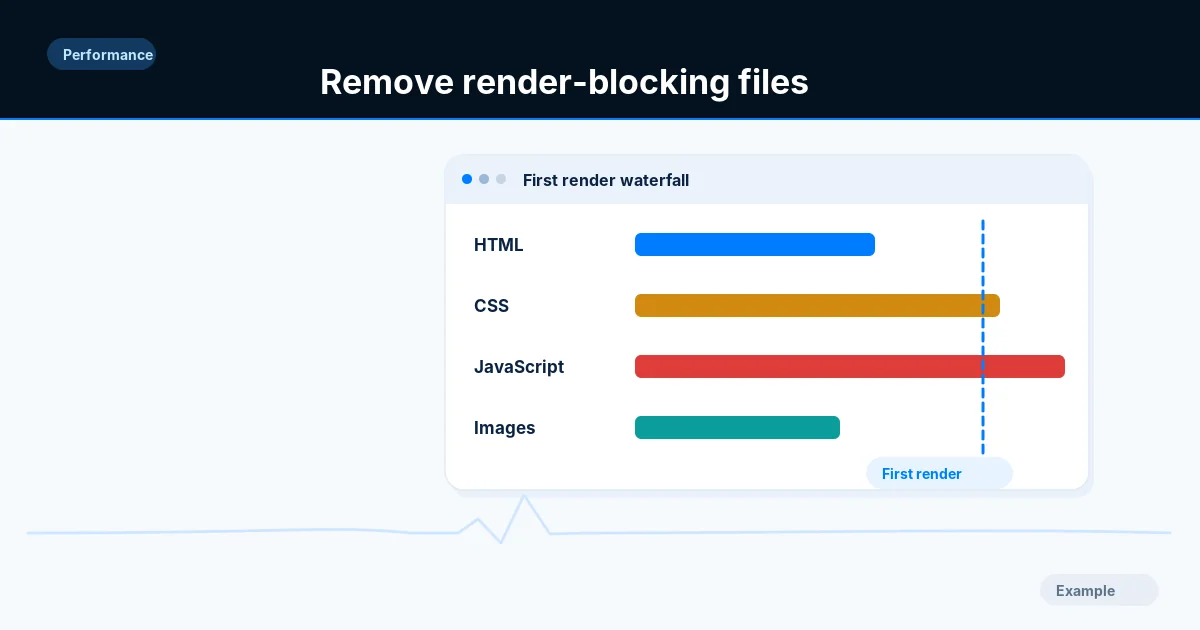
Render-blocking resources can delay the first useful content. Removing blocking behavior without testing can also create flashes, broken navigation or inaccessible interaction states.
Before you begin
You will need access to the website or account involved, a list of important public URLs, and permission to make the relevant changes. Save a backup of configuration before editing DNS, server rules, source code or search settings. A successful check means the specified condition was verified—not that Google or Bing will index or rank the page.
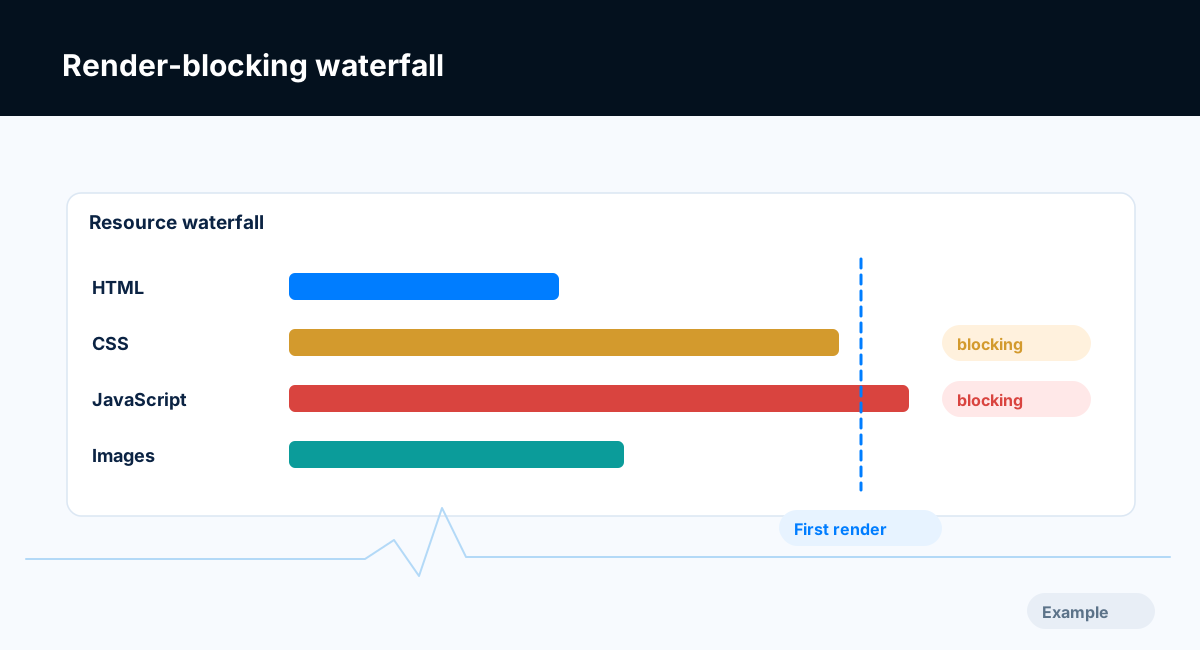
Example diagram, not a result from any real site.
Step-by-step instructions
Step 1: Identify blocking resources
Inspect Lighthouse opportunities and a network waterfall. Record the specific CSS and script URLs on representative templates.
What success looks like: You know which resources are actually in the critical path.
Step 2: Separate essential from optional
Determine which CSS is required to render the initial viewport and which scripts are essential for safe startup. Classify analytics, widgets and below-the-fold features separately.
What success looks like: There is a reasoned dependency list instead of an indiscriminate defer rule.
Step 3: Reduce and split payloads
Remove demonstrably unused styles, split heavy scripts and avoid shipping unrelated components on every page. Use route-level loading where the framework supports it.
What success looks like: Critical resources become smaller and unrelated code stops blocking startup.
Step 4: Apply loading strategies
Use defer or async only when dependency ordering permits. Inline narrowly scoped critical CSS if justified, and test fonts or preload directives with real evidence.
What success looks like: The page renders correctly with the changed loading order.
Step 5: Run functional regression tests
Exercise menus, forms, cart/checkout in test mode, search and consent flows. Compare repeated Lighthouse runs and screenshot baselines.
What success looks like: Performance improves without breaking important functionality.
Final verification checklist
You know which resources are actually in the critical path.
There is a reasoned dependency list instead of an indiscriminate defer rule.
Critical resources become smaller and unrelated code stops blocking startup.
The page renders correctly with the changed loading order.
Performance improves without breaking important functionality.
Common mistakes to avoid
Deferring scripts whose order matters.
Inlining enormous stylesheets.
Removing consent or analytics logic without business approval.
Frequently asked questions
Should all scripts have async?
No. Async can change execution order and break dependencies.
Can critical CSS help every site?
Not universally. It must be based on the actual page and measured outcomes.
Related guides
Official references
Next step: See how Crawvix checks a website and capture a baseline once scanning opens. This guide provides technical information, not a guarantee of rankings, 100-point Lighthouse scores or index inclusion.