
 Crawvix Editorial Team
· Published October 28, 2026 · Last updated October 27, 2026 · 3 min read
Crawvix Editorial Team
· Published October 28, 2026 · Last updated October 27, 2026 · 3 min read
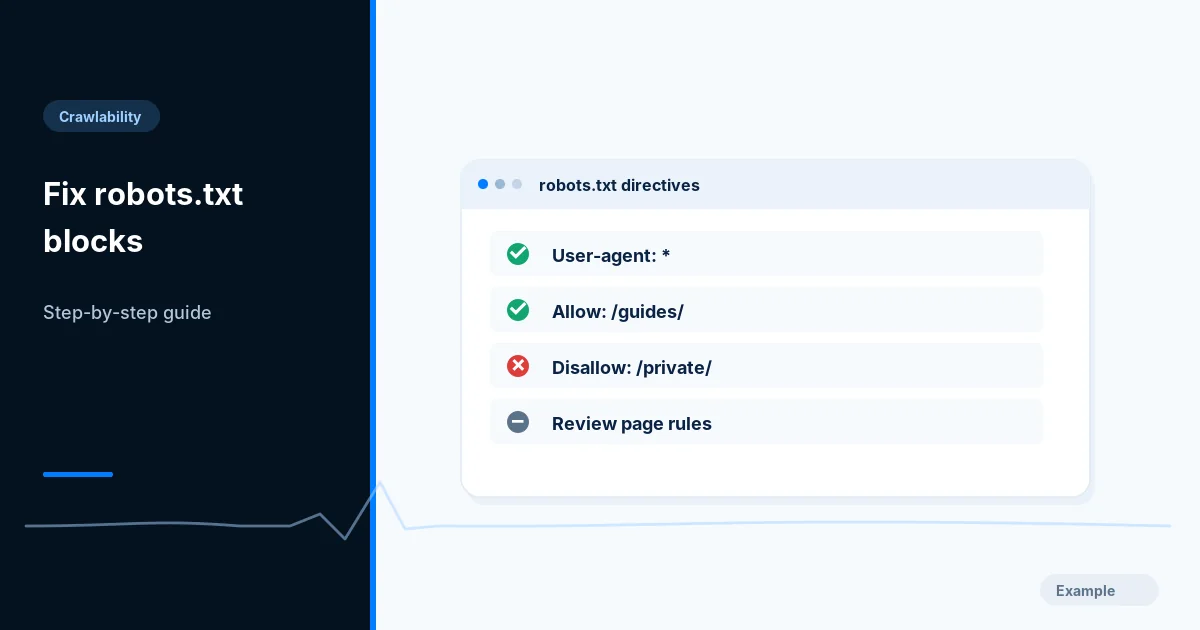
A robots.txt mistake can stop crawlers from fetching important pages, but a robots block is not the same thing as a noindex directive. Resolve the actual conflict before changing site-wide policy.
Before you begin
You will need access to the website or account involved, a list of important public URLs, and permission to make the relevant changes. Save a backup of configuration before editing DNS, server rules, source code or search settings. A successful check means the specified condition was verified—not that Google or Bing will index or rank the page.
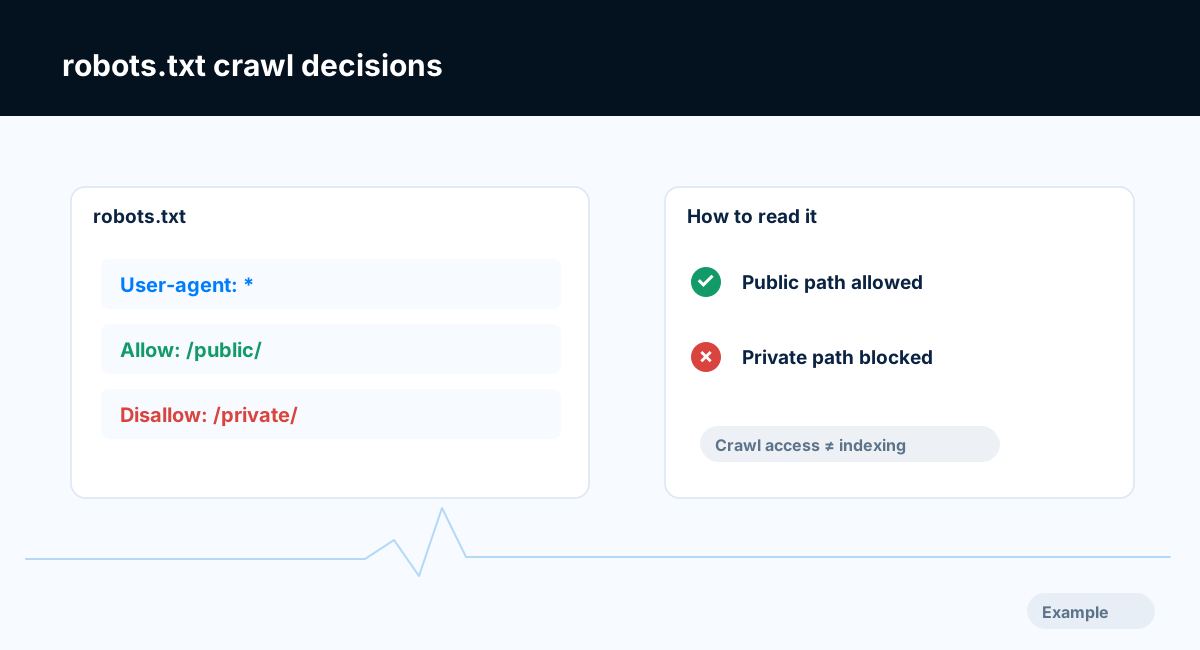
Example diagram, not a result from any real site.
Step-by-step instructions
Step 1: Read the deployed robots file
Fetch the robots.txt file of your own site (for a site at example.com that is https://example.com/robots.txt) and check the final status, body and any redirects. Look for global User-agent groups and broad Disallow rules.
What success looks like: You know what live crawlers actually receive.
Step 2: Test important URL paths
Choose the homepage, a product page and an article. Determine the matching user-agent group and relevant allow/disallow rules for each URL.
What success looks like: You can identify the exact rule preventing the desired crawl.
Step 3: Compare page directives
Inspect meta robots and X-Robots-Tag separately. If a page must be excluded from search, use a crawlable noindex where appropriate rather than assuming robots disallow always produces the desired indexing outcome.
What success looks like: Crawl and indexing policies agree with the site's intent.
Step 4: Repair narrow rules
Remove an accidental global block, or replace it with narrowly scoped restrictions for private routes, while keeping authenticated content actually protected. Avoid exposing confidential content merely by editing robots.txt.
What success looks like: Important public URLs are allowed and private resources remain secured.
Step 5: Retest both engines
Use supported search-engine testing interfaces and independent requests. Check firewall/CDN logs if one crawler still sees a block after deployment.
What success looks like: Live robots policy and the desired crawlability are consistent.
Final verification checklist
You know what live crawlers actually receive.
You can identify the exact rule preventing the desired crawl.
Crawl and indexing policies agree with the site's intent.
Important public URLs are allowed and private resources remain secured.
Live robots policy and the desired crawlability are consistent.
Common mistakes to avoid
Using robots.txt as access control for private data.
Confusing disallow with removal from the index.
Changing only a staging robots file while production remains blocked.
Frequently asked questions
Can robots.txt remove a page from search results?
A disallow is a crawl instruction, not a guaranteed removal tool.
Should I block AI crawlers?
That is a separate policy decision; evaluate user agents individually and consider how it affects discoverability.
Related guides
Official references
https://developers.google.com/search/docs/crawling-indexing/robots/intro
https://developers.google.com/search/docs/crawling-indexing/block-indexing
Next step: See how Crawvix checks a website and capture a baseline once scanning opens. This guide provides technical information, not a guarantee of rankings, 100-point Lighthouse scores or index inclusion.