
 Crawvix Editorial Team
· Published October 28, 2026 · Last updated October 27, 2026 · 2 min read
Crawvix Editorial Team
· Published October 28, 2026 · Last updated October 27, 2026 · 2 min read
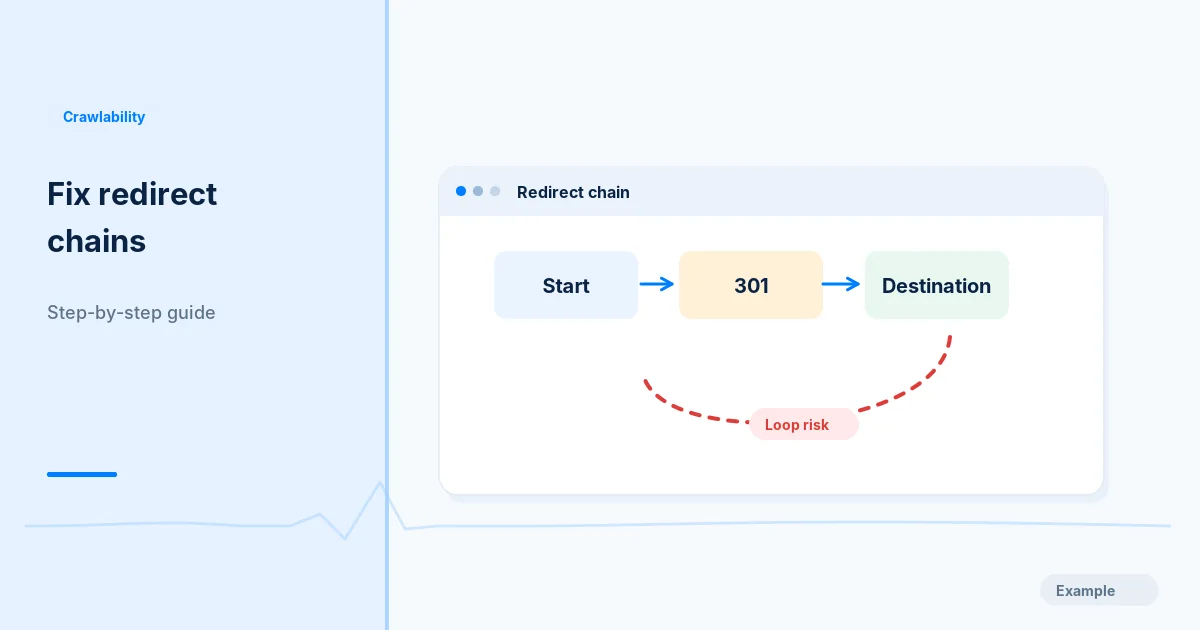
Redirect chains add latency and confuse diagnostics. Loops can make a page inaccessible altogether. The best result is a direct path from old URLs to the correct final destination.
Before you begin
You will need access to the website or account involved, a list of important public URLs, and permission to make the relevant changes. Save a backup of configuration before editing DNS, server rules, source code or search settings. A successful check means the specified condition was verified—not that Google or Bing will index or rank the page.
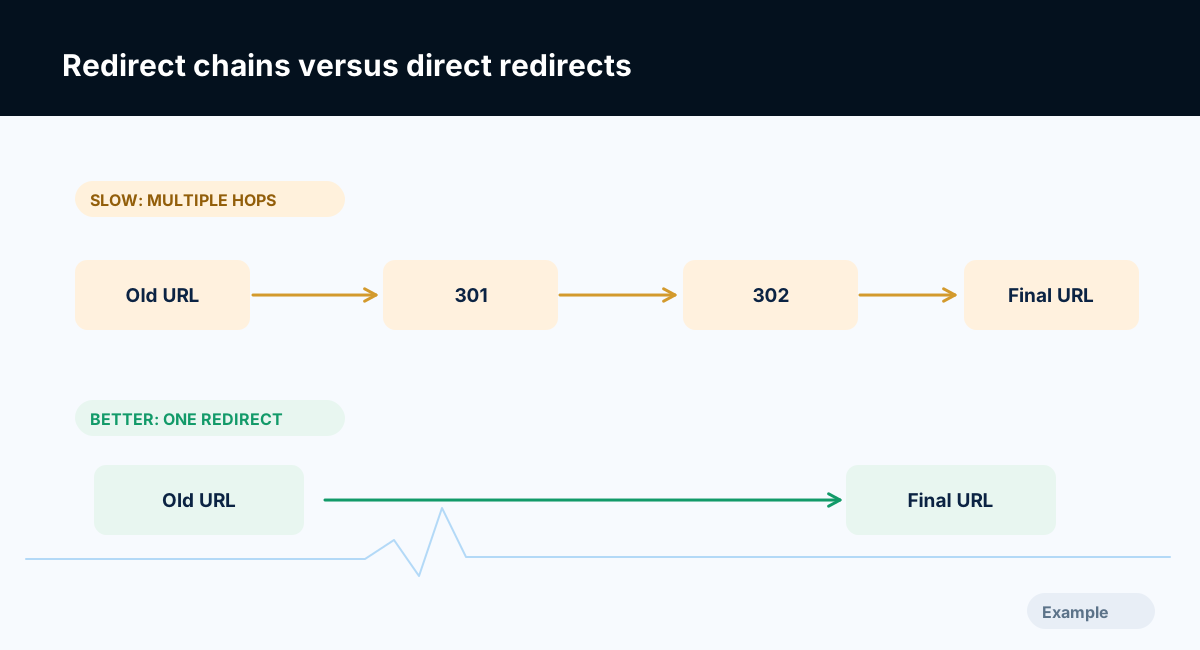
Example diagram, not a result from any real site.
Step-by-step instructions
Step 1: Trace the full request
Inspect HTTP status and Location across every hop for affected URLs. Capture final scheme, hostname, path, query and resulting content.
What success looks like: Every hop in the chain is recorded.
Step 2: Identify owners of redirect rules
Determine whether redirects come from CDN, reverse proxy, framework middleware, CMS or application code. Multiple layers can accidentally repeat HTTP-to-HTTPS and host normalization.
What success looks like: You know which layer should own the final rule.
Step 3: Choose a single intended destination
Decide your canonical host and path policy. Point obsolete URLs directly to the genuinely matching new URL; do not chain through several historical addresses.
What success looks like: A legacy URL redirects in one sensible hop where feasible.
Step 4: Check internal links and sitemaps
Update templates and content so they link to final URLs directly. Remove redirected URLs from sitemaps. Preserve meaningful tracking parameters only when necessary.
What success looks like: Normal navigation does not require legacy redirects.
Step 5: Retest edge cases
Test mobile, alternate hosts, trailing slashes, uppercase paths and common URL patterns. Catch loops or accidental cross-domain redirects.
What success looks like: No loop, surprise redirect or unnecessary chain remains on sampled paths.
Final verification checklist
Every hop in the chain is recorded.
You know which layer should own the final rule.
A legacy URL redirects in one sensible hop where feasible.
Normal navigation does not require legacy redirects.
No loop, surprise redirect or unnecessary chain remains on sampled paths.
Common mistakes to avoid
CDN and app both enforce competing canonical-host rules.
Redirecting distinct pages to an irrelevant home URL.
Updating redirect tables without updating internal links.
Frequently asked questions
Are all redirects bad?
No. Redirects are appropriate for moved pages; needless chains and loops are the problem.
Should every 302 be a 301?
No. Choose permanent versus temporary status according to the actual intent.
Related guides
Official references
Next step: See how Crawvix checks a website and capture a baseline once scanning opens. This guide provides technical information, not a guarantee of rankings, 100-point Lighthouse scores or index inclusion.